How to Find a PDF to Excel Converter Free Accurate and Securely Online

Tired of typing numbers into cells by hand? Ever felt that way? You really have better things to do, and it is a complete waste of time.
Look, the truth is that moving tables manually creates massive mistakes. You think you copied everything right, but then a decimal place ends up completely wrong. Sound familiar?
Here is the thing: you can solve this problem in seconds. A modern, free, accurate PDF to Excel converter utility cleans up your data workflow instantly. Let us explain exactly how to switch your formats smoothly without downloading viruses or spending a dime. Try it out right now and keep your day moving.
What is an accurate browser-based spreadsheet conversion tool?
Let us break this down simply. A website that scans grid markings from a document and rewrites them into formatted rows is known as a free and accurate PDF to Excel converter.
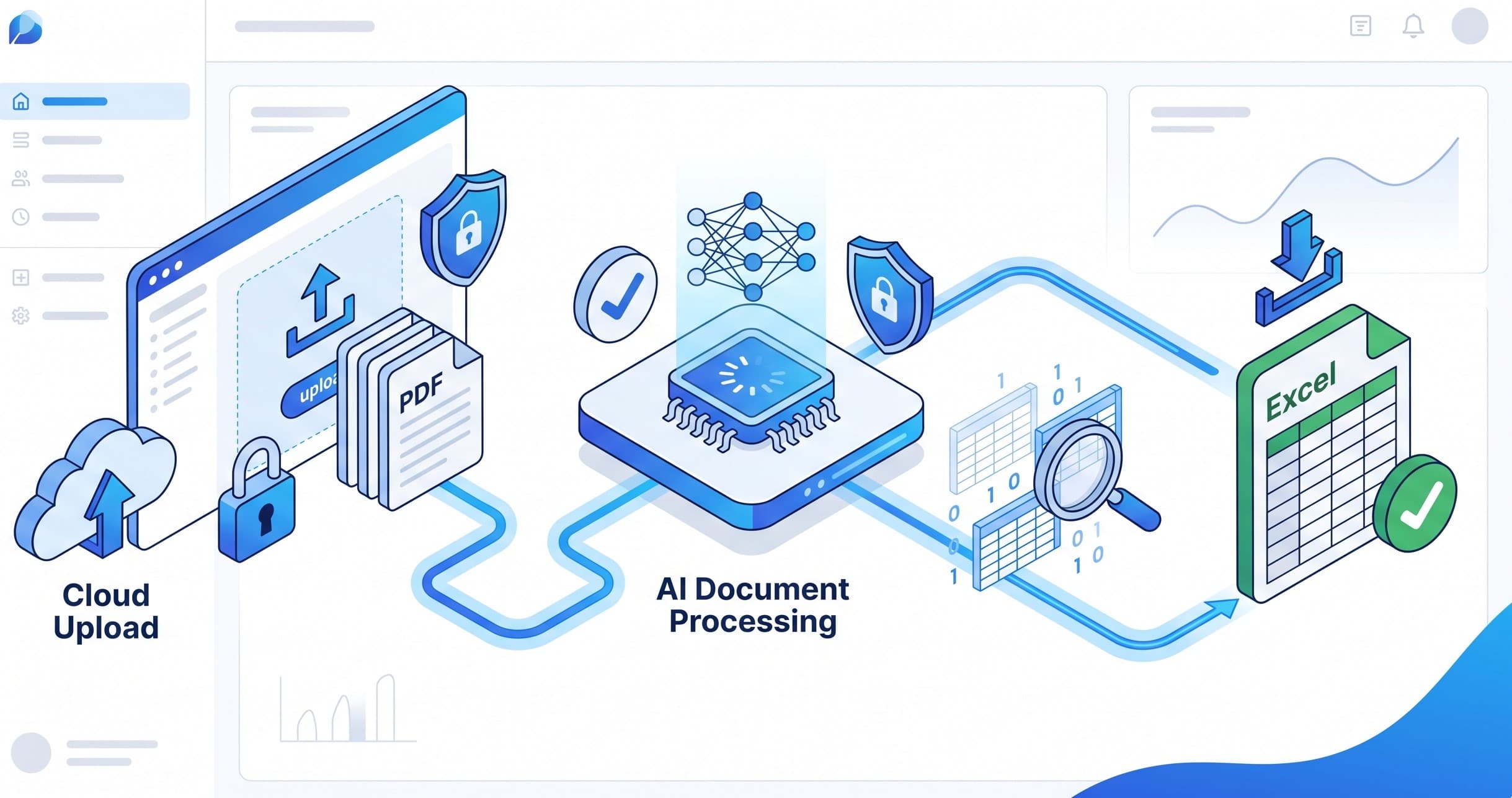
This browser-based Excel solution does the arithmetic in the cloud rather than requiring you to install bulky office programs. It scans the layout lines, extracts the exact text chunks, and structures them into clear rows and columns.
When you run an online PDF converter over your documents, it treats each boundary box like a real spreadsheet line. This means your numbers stay clean, organised, and perfectly editable.
Why You Need Pristine Spreadsheet Extractions Immediately
Leaving your information trapped inside a static file locks up your productivity. Here is why you need to convert data without software immediately:
• Protects Your Numbers: Manual entry leads to tiny typos that ruin financial sheets.
• Saves Working Hours: Why spend three hours retyping what an online tool reads in three seconds?
• Enables Quick Formulas: Once your rows land inside a spreadsheet, you can sum totals instantly.
• Enhances Project Tracking: Small business owners can easily combine client invoices onto a single accounting sheet.
• Simplifies Student Life: Students can effortlessly import raw table records into math models.
Step-by-Step: Extracting Tables Safely Without Softwares
Ready to convert PDF to Excel right away? Follow these simple, beginner-friendly instructions to change your file type in seconds.
Step 1: Pick out your document
Find the specific file on your computer, desktop, or mobile device. Place it in a visible location, such as your downloads folder, so you can quickly access it.
Step 2: Fire up your web browser
Launch Google Chrome, Apple Safari, or Microsoft Edge. Since this process works entirely over the web, your browser handles all the visibility settings.
Step 3: Head to a trusted workspace
Visit a reliable online helper network. To save time, you can try a free online tool that does it for you in seconds — no signup needed.
Step 4: Drop your document in the box
Click the main pick button or simply drop your file directly into the target drop zone on the screen.
Step 5: Process and click 'save'.
Let the machine analyse your data grids for a few brief moments. Click download to secure your fresh, clean spreadsheet file.
The Practical Advantages of Skipping App Installations
Why should you select an online cloud engine over a regular app store installation? Honestly, the benefits are massive for daily workers.
• Zero Local Hard Drive Cost: Avoid filling your machine with apps you only run twice a year.
• Total Safety Shield: No installation packages means no sneaky malware tags getting past your antivirus.
• Cross-Platform Speed: The identical webpage functions flawlessly on Android phones, Chromebooks, and Apple MacBooks.
• Instant Updates: You never have to wait around for long version updates or licence key fixes.
• No Background Drag: Desktop apps hog system memory, but browser tabs close cleanly.
Frequent Pitfalls in Free Spreadsheet Extractions
Not every web application treats data correctly. Watch out for these regular hurdles when you try to turn pdf into spreadsheet systems:
Garbled Cell Text
Low-end converters mash your words together or drop symbols completely. Make sure your processor supports high-level character spacing.
Hidden Billing Paywalls
Many platforms let you upload your work but demand a credit card number to reveal the final file. Stick to fully free pages to avoid this trap.
Misaligned Columns
Cheap engines often shift text one cell to the right, throwing off your whole balance sheet. A quality converter matches rows exactly.
Insider Tips for Clean Document Table Extractions
Want to make sure your spreadsheet files come out absolutely flawless every single run? Apply these simple professional hacks:
• Clear Out Blur: Ensure your raw document lines are crisp and easy to view before uploading.
• Check Your Labels: Clear column headers help the engine map data rows correctly.
• Rename Your Saves: Add the term 'final' to your fresh downloads so you don't confuse your sheets.
• Audit Private Info: Avoid public shared networks when converting highly sensitive tax records.
• Run Simple Sums: Double-check the bottom line formula quickly to confirm the accuracy of the transfer.
Why Tooldit.com is the Best US Pick for Accurate Data Extractions
When you need things done right away, tooldit.com is the ultimate choice for users across the United States. It is built entirely for quick results without any corporate walls.
You don't need to hand over an email address, verify a profile, or worry about rolling subscription fees. You simply load the tool, process your files, and walk away with perfect rows. It is completely free, beginner-friendly, and trusted by busy people everywhere.
Frequently Asked Questions
Will a free, accurate online PDF to Excel converter free accurate system preserve my cell borders?
Yes. A top-tier PDF to Excel converter, free and accurate, page matches your exact row lines and cell walls perfectly. Your downloaded spreadsheet file will keep the structure of the original document intact without shifting things around.
Is it secure to upload my private business sheets to these web engines?
Absolutely. Trusted online PDF tools use safe data links to transfer files. The servers process your sheet records completely automatically and drop them from the system history within an hour for absolute privacy.
Can I change image documents into formatted spreadsheets with a web app?
Yes, high-grade conversion pages feature built-in character reading tools. They can look inside a scanned table or digital screenshot and pull out valid text values safely without any extra configuration steps.
Why do some free spreadsheet tools mess up font weights and date formats?
This usually happens when tools use outdated data libraries. Premium browser-based Excel tool setups preserve standard US fonts, currency tags, and date patterns so you don't have to fix them manually later.
Do I need an expensive subscription to handle multi-page data files?
Not at all. While some websites try to cut your downloads off after page one, quality portals let you extract multi-page documents entirely free without ever popping up a credit card screen.
What is the quickest fix if my converted columns look pushed to the side?
If data alignment looks slightly off, simply reload the browser window and verify that your internet link is steady. Upload the document again to allow the cloud engine to run a clean data map check.
Get Clean Data Rows in Seconds
Managing raw data records shouldn't feel like an impossible puzzle. By selecting a trustworthy, free, accurate PDF to Excel converter free accurate option, you take back your schedule instantly. No fees, no software clutter, and no typos.
Make sense? It takes only a few simple clicks from start to finish. Head over to tooldit.com right now, drop your files into the workspace box, and see your tables come to life inside an organised spreadsheet!
Read also: How to Use a PDF Password Remover Without Software