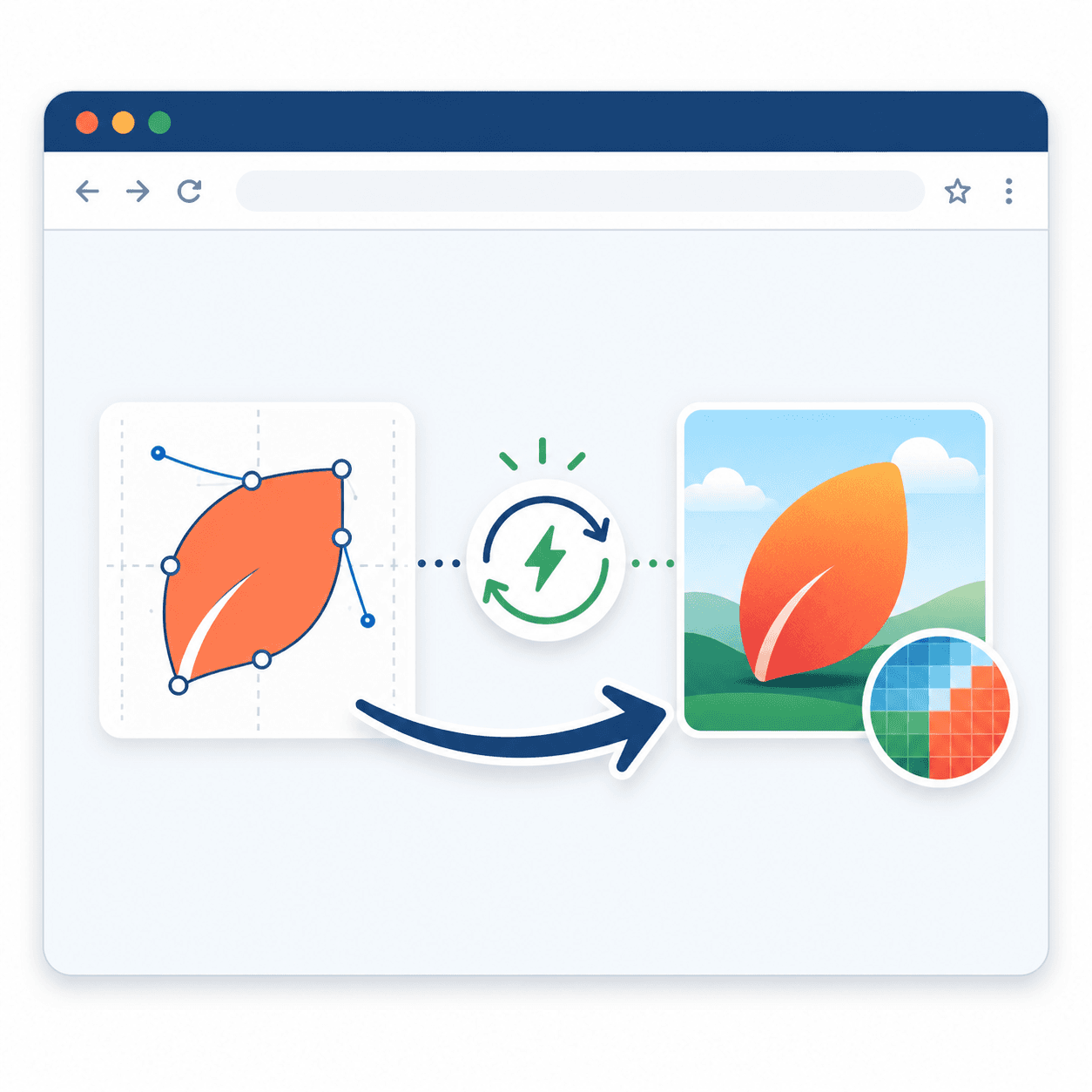
Compress JPEG to 200KB Online: Fast & Easy Guide
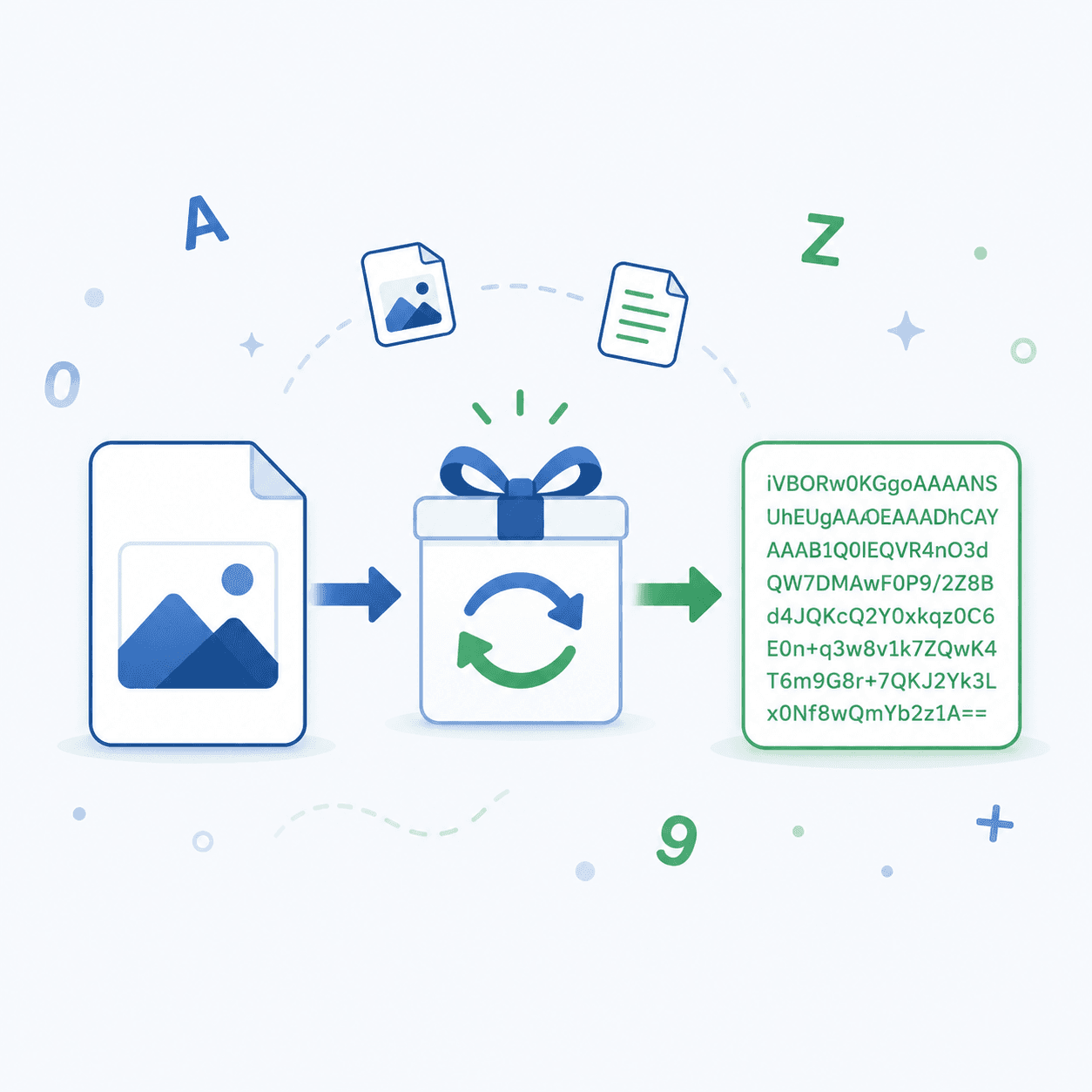
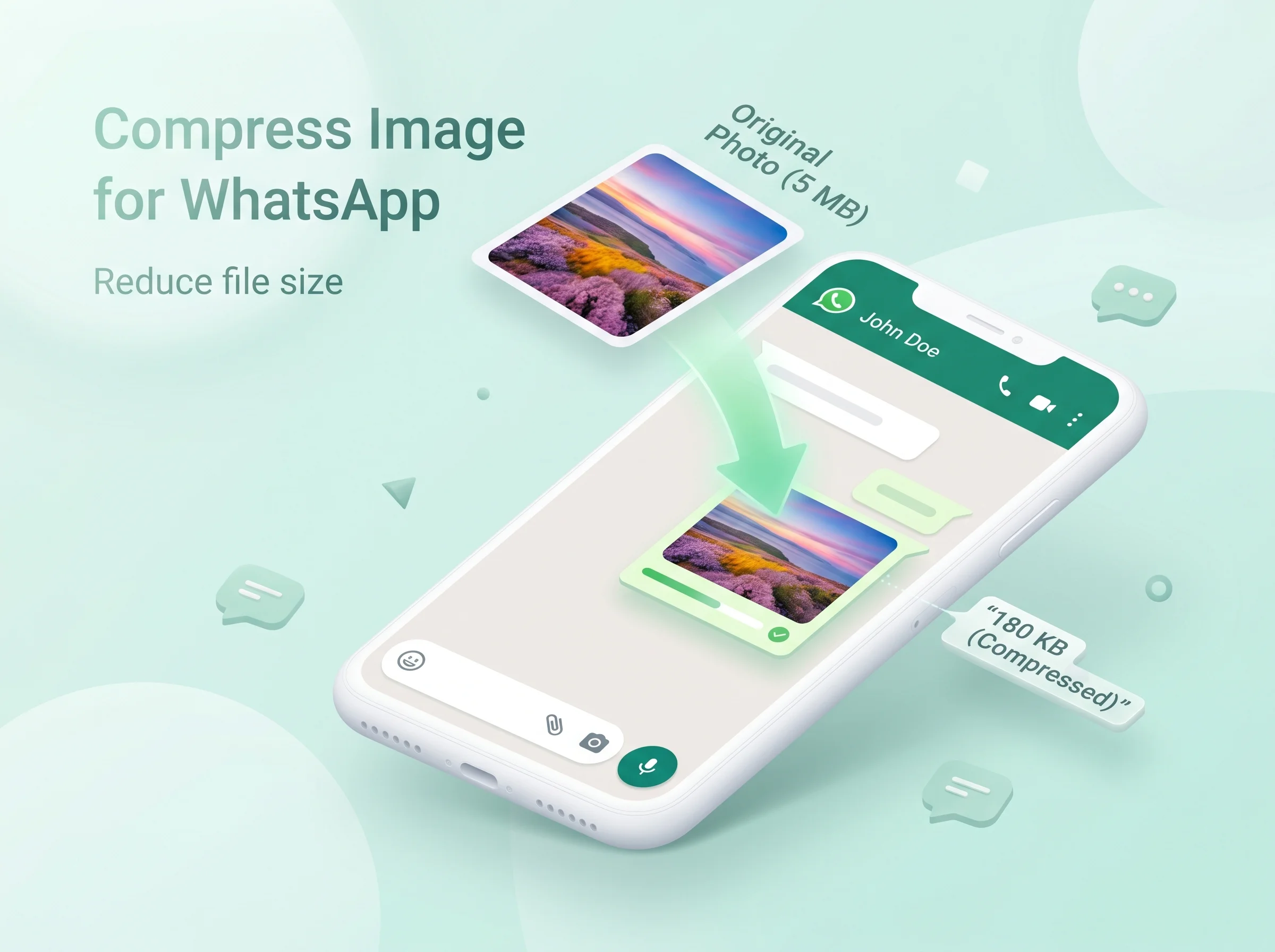
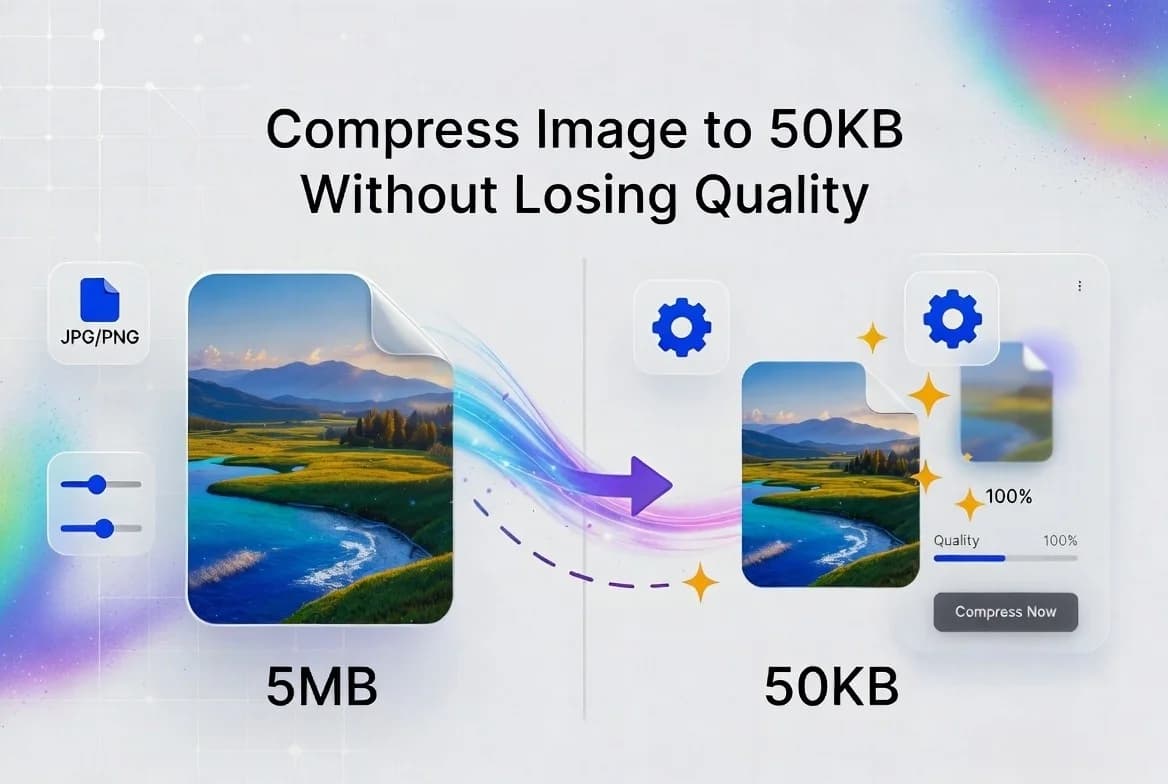
Ever tried to upload a photo and got that annoying “file too big” error? It happens all the time. Job sites, school portals, and government forms often want to compress JPEG to 200KB Online
Stay updated with the latest news, tips, and insights from Tooldit.

Ever tried to upload a photo and got that annoying “file too big” error? It happens all the time. Job sites, school portals, and government forms often want to compress JPEG to 200KB Online

Ever opened a PDF only to find some pages are sideways or upside down? It’s one of the most annoying things ever. You tilt your head. You twist your laptop. Nothing helps. The good news? You can fix this in seconds. You don’t need fancy software or a paid app. You can rotate PDF and save free online with just a few clicks.

Ever tried to fix a typo in a PDF? It's a pain. PDFs are hard to edit. You can't just click and type like in a Word file.That's why so many people search for a PDF to Word free no email tool. The problem? Most options online ask for your email before they let you download the file. Some even want you to sign up or pay.

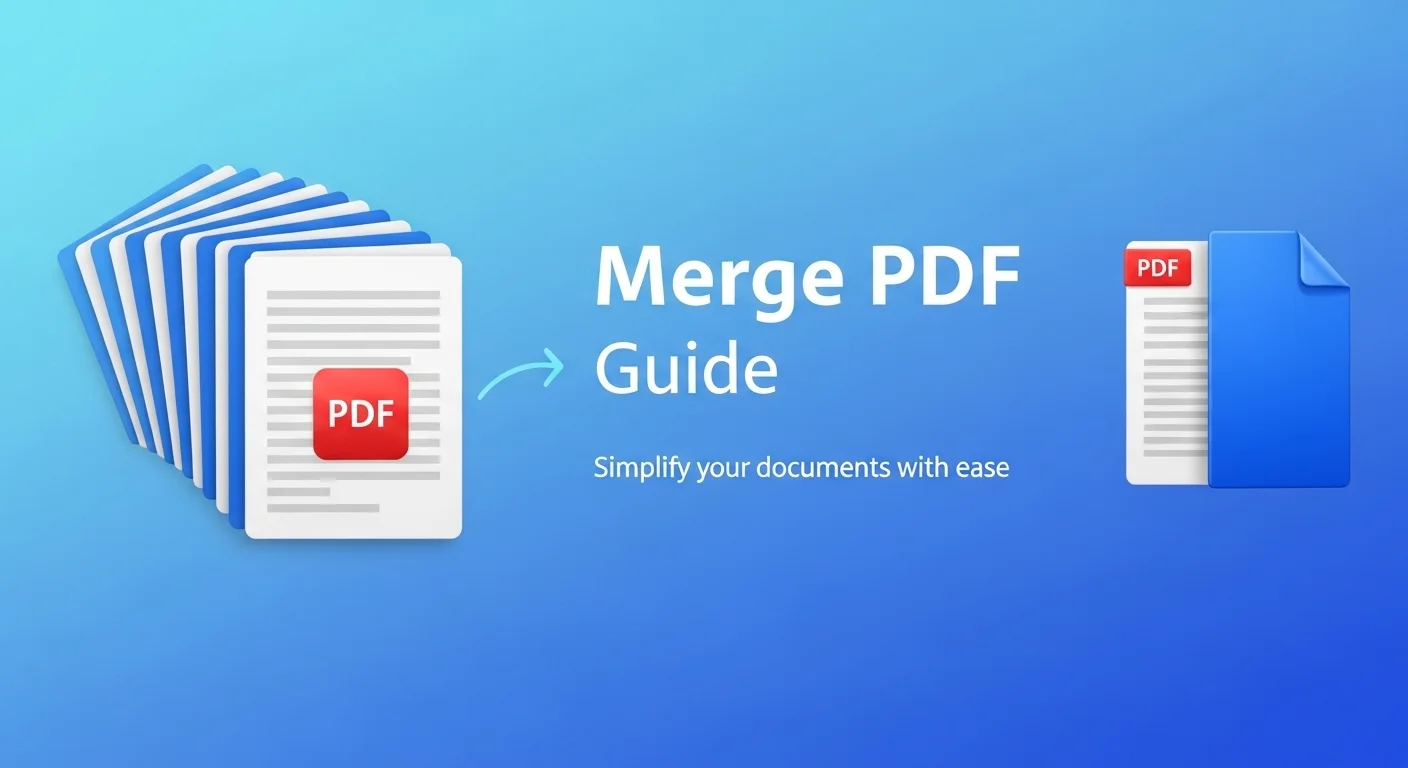
If you’ve ever needed to combine multiple documents into one file, you already know how messy it can get. Maybe you scanned a contract page by page, downloaded a bunch of receipts, or saved separate chapters of a report. Now you’re sitting there wondering how to merge PDF files on your Mac without paying for expensive software.

Ever tried uploading your resume to a job portal, only to get that annoying “file size too large” error? This guide demonstrates how to compress a PDF to 100KB while preserving readability and quality, using practical methods and reliable tools, and you don’t need fancy software or a computer science degree to pull it off.