SmallPDF vs iLovePDF vs Tooldit: Which Free PDF Tool Wins in 2026?
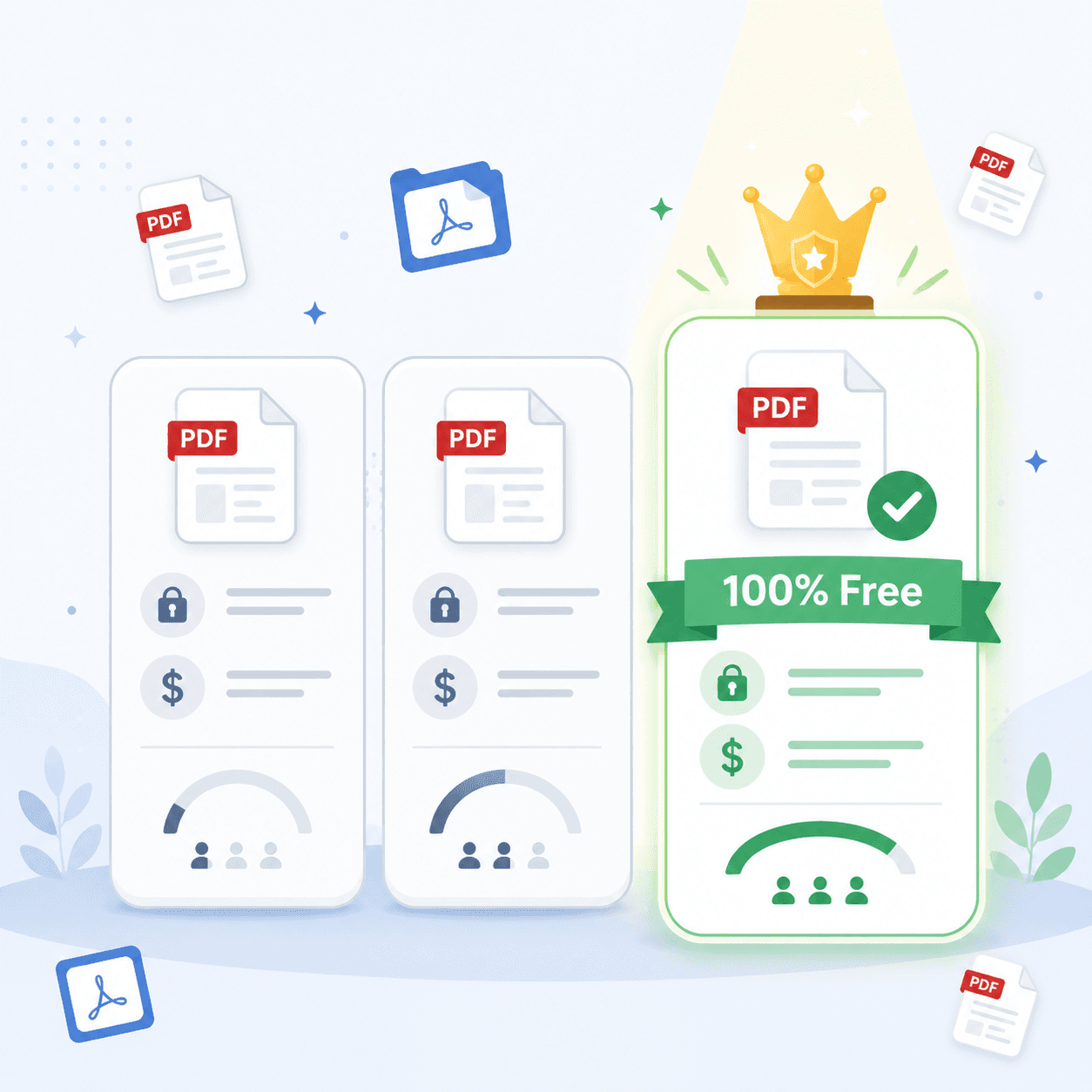
Problem: Smallpdf vs iLovePDF Which Is Better?
Quick Answer: Both SmallPDF and iLovePDF are solid, but they cap free use. SmallPDF gives you 2 tasks a day, and iLovePDF limits tasks and file size with ads. For plain, everyday jobs with no signup and no daily limit, Tooldit comes out ahead because it stays fully free.
Stuck Choosing Between Two Popular PDF Tools?
You need to merge a file or shrink a PDF, and two names pop up everywhere: SmallPDF and iLovePDF. So you sit there asking smallpdf vs ilovepdf which is better for what you actually need?' ' Been there?
Here's the catch nobody mentions upfront. Both are free until you hit a wall; then they ask for cash.
So this guide breaks down the real limits, the real costs, and one free pick most people miss. No fluff, no hype. Want the honest scoop before you pick? Keep reading, and check out tooldit.com as you go.
What You're Really Comparing Here
SmallPDF and iLovePDF are both online toolkits for PDFs. You can merge, split, compress, and convert files right in your browser.
They look similar at a glance. Clean design, lots of tools, quick results. The big differences hide in the free limits and the price tags.
Tooldit plays in the same space, with one twist. It skips the daily caps and the signup screens, so the free version stays free.
Why This Choice Actually Matters for You
Picking the wrong tool wastes your time and sometimes your money. Here's why getting it right pays off:
• You dodge surprise paywalls. No hitting a limit halfway through a rush job.
• You save real cash. Why pay monthly for something you use twice a week?
• You keep your data safe. Fewer signups means fewer places holding your files.
• You work faster. No account screens standing between you and the task.
• You stay flexible. A no-limit tool handles a busy day without complaint.
SmallPDF vs iLovePDF which is better?
Not sure how to choose? Walk through this quick checklist before you commit:
Step 1: Count your daily tasks
1. Heavy day with many files? Skip tools that cap you at 2 or 3 jobs.
Step 2: Check the file size limit
2. Big files can get blocked on free plans, so know the cap first.
Step 3: See if a signup is forced
3. Some tools push you to make an account before you finish.
Step 4: Watch for hidden costs
4. A free tool that nags for an upgrade isn't truly free.
Step 5: Test it on a real file
5. Run one actual job. The tool that just works is your winner.
Want to skip the guesswork? You can try a [free all-in-one PDF tool] that has no daily cap and no signup, so you test it in seconds.
Smallpdf vs iLovePDF vs Tooldit: The Honest Breakdown
Here's the side-by-side, based on what each tool actually offers in 2026:
Feature | SmallPDF | iLovePDF | Tooldit |
Free daily limit | 2 tasks/day | Few tasks + size cap | No daily limit |
Signup needed | Often prompted | Nudged + ads | None |
Cost for no limits | About $10-12/mo | About $5-7/mo | Free |
Advanced tools (OCR, edit) | Yes (paid) | Yes (paid)room yet | Totally free |
Best for | Polished extras | Occasional jobs | Free everyday use |
Quick honest note: SmallPDF and iLovePDF win on fancy extras like OCR and editing. But those sit behind a paywall for most people.
Smallpdf vs iLovePDF: Which Is Better for Everyday Files?
Let's settle the smallpdf vs ilovepdf which is better question for normal, daily tasks. Here's the straight talk:
• SmallPDF feels polished and clean, but 2 tasks a day run out fast.
• iLovePDF gives a bit more room, yet shows ads and caps file size.
• Both push you toward a paid plan once you get busy.
So between the two? iLovePDF edges ahead for light, occasional use. SmallPDF feels nicer but limits you sooner.
Common Mistakes People Make Picking a PDF Tool
A few slip-ups cost folks time and money. Don't fall for these:
Assuming free means unlimited
Most free plans cap your tasks per day. Read the small print before you rely on one for a big project.
Ignoring file size caps
A free tool may block large files. Check the limit, or your 30 MB report won't upload.
Signing up too fast
You don't always need an account. Try the tool first, since many jobs work with no login at all.
Paying before you compare
Don't grab a subscription on day one. Test a free, no-cap option first, and you may never need to pay.
Pro Tips to Get the Most From Any PDF Tool
Want to work smarter with PDFs? These habits help no matter which tool you pick:
• Compress big files before emailing so they actually send.
• Keep an untouched copy of the original, just in case.
• Batch your tasks to beat daily limits on capped tools.
• Rename files clearly right after you export them.
• Use a no-signup tool for quick one-off jobs to save time.
• Double-check page order after you merge or split.
• Close the tab when done to keep your files private.
Why Tooldit.com Quietly Wins for Free Users
Look, SmallPDF and iLovePDF are good tools. But if you just want the everyday stuff done free, Tooldit makes life easier. Here's the honest case:
• No daily cap. Run as many merges, splits, and compressions as you need.
• No signup. Open the tool and go; no account or email is asked for.(paid) room
• No premium upsell. There's no paid tier nagging you mid-task.
• Beginner-friendly. Plain buttons that everyday US users find simple.
It won't replace paid OCR or heavy editing. But for the common jobs most folks do, it's hard to beat free with no strings.
Frequently Asked Questions
Is SmallPDF or iLovePDF safer for my files?
Both delete uploaded files after a short window and use secure connections. Safety is roughly equal. The bigger privacy win is using a tool that doesn't force a signup, so fewer accounts hold your data. Always close the tab once your job is done.
Can I use these PDF tools without paying anything?
Yes, but with limits. SmallPDF allows about 2 tasks a day, and iLovePDF caps tasks and file size while showing ads. For unlimited free use with no signup, Tooldit is the easier pick for simple, everyday PDF jobs.
Which tool is fastest for merging or compressing?
All three handle basic merges and compression in just a few seconds. Speed feels similar on small files. The real difference shows up when you hit a daily cap, which slows you down far more than any processing time ever will.
Do I need to download an app to edit PDFs?
No. SmallPDF, iLovePDF, and Tooldit all run right in your browser. You upload, do the task, and download. There's nothing to install for basic jobs. Heavy editing or OCR, though, often needs a paid plan on the bigger sites.
What if my file is too big for the free plan?
Free plans often block large files. Try compressing the PDF first to shrink it under the cap. If a tool still rejects it, switch to one with a more generous free limit, then run your task without the size headache.
Is it worth paying for SmallPDF or iLovePDF?
Only if you need advanced features like OCR, e-signatures, or true PDF editing every week. For light, everyday tasks, paying is overkill. Test a free, no-cap tool first, and you may find you never need the subscription at all.
Final Take: So Which PDF Tool Should You Pick?
Let's wrap it up. On the smallpdf vs ilovepdf which is better debate, iLovePDF wins for light free use, while SmallPDF feels cleaner but caps you sooner.
But if your goal is free, simple, and no signup, Tooldit quietly beats both for everyday jobs. No daily limit, no premium nag, no account.
So go try it for yourself. Head to tooldit.com, run one real PDF task for free, and see which tool truly fits your day. You've got this.
Read also: What Is Base64 Encoding Used For? Simple Guide for Beginners