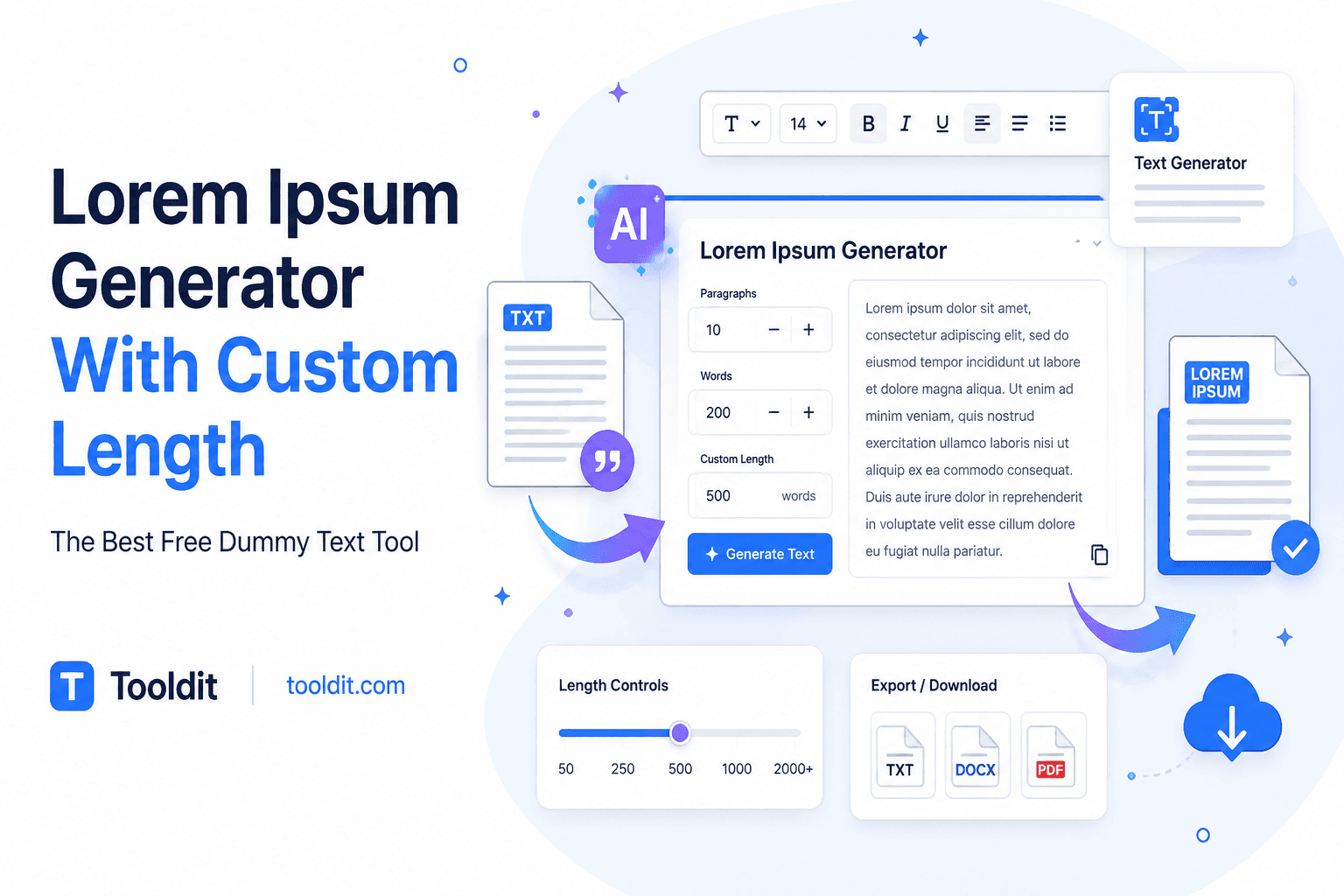
Lorem Ipsum Generator With Custom Length: The Best Free Dummy Text Tool

Have you ever printed an advertisement prototype or created a web design layout only to have your lovely containers broken by default placeholder text? You paste five huge paragraphs of standard Latin, and suddenly your card component spills everywhere. Then you spend ten minutes deleting words line by line just to make it fit right. Talk about frustrating!
Here's the good news: you don't have to trim text manually ever again. With a modern web tool, you can create exact character counts, word limits, or paragraph blocks in a split second.
If you need a reliable lorem ipsum generator with custom length online, you are in luck. Let's explore why custom dummy text matters, how it speeds up your workflow, and how you can get exact lengths instantly without paying anything. Want to test it right away? For quick results, use our free tool at Tooldit.
What Is a Lorem Ipsum Generator With Custom Length?
A custom-length dummy text generator is a smart online tool that produces standard Latin placeholder text according to your exact size preferences. Traditional text generators give you fixed paragraph blocks that rarely fit real-world design containers.
When you use a custom-length tool, you control the output volume completely. You can request exactly 45 words for a teaser card, 250 characters for a meta description snippet, or 4 neat paragraphs for a blog post wireframe.
This placeholder text generator online keeps the visual look of natural English reading without distracting viewers with actual readable words. That way, clients focus on your design layout rather than reading draft copy.
Why You Require a Custom Length Lorem Ipsum Generator Right Now
Why settle for generic text blocks when customized dummy text makes design work so much smoother? Here are five useful reasons why writers, web designers, and students use a custom text length maker on a daily basis:
1. Perfect Container Alignment: Stop guessing word limits for buttons, cards, and banners. Generate text that fits your UI components precisely.
2. Client Presentations Without Distractions: Instead of focusing on visual layouts, clients analyze the wording in real content. They can zero in on the grid arrangement, colors, and fonts with the aid of Latin filler.
3. Accurate Mobile-Responsive Testing: Test how long headlines and descriptions look on small phone screens by generating exact character limits.
4. Faster Development Workflows: Front-end developers can grab instant dummy text maker blocks to test database card limits in seconds.
5. Clean Document Formatting: Print designers and student researchers can test page column layouts without waiting for finished content.
Four Simple Steps to Creating Custom Length Dummy Text
Creating exact placeholder text takes almost zero effort. Here's a step-by-step guide to using a lorem ipsum generator with a custom length tool:
Step 1: Choose Your Measurement Unit
Decide whether your design container requires paragraphs, words, sentences, or exact custom character count dummy text limits.
Step 2: Enter Your Target Length Number
Enter your preferred number in the input field. For example, if a brief product description filler is required, enter '120'.
Step 3: Click the Generate button
Hit the action button. Without allowing you to reload the site, the script quickly creates your precise text volume.
Step 4: Copy and Paste Into Your Layout
Click the one-touch copy button and paste your fresh text straight into Figma, Adobe XD, Canva, or your code editor.
To save time on your next web design build, you can use a free Lorem Ipsum generator that gives you instant text controls without registering.
Key Benefits of Using a Custom Length Dummy Text Generator
You have complete control over your mockups when you use a customized Latin dummy text creator. The primary benefits you enjoy are as follows:
• Zero Manual Editing: No more cutting off sentences that don't fit in small banner boxes, line by line.
• Flexible Measurement Modes: Easily switch between word count, sentence count, or raw character count modes.
• Realistic Visual Rhythm: Custom-generated text reflects natural letter variation and word spacing better than repeating 'test test test.'
• Browser-Based Speed: Generate thousands of characters instantly inside any mobile or desktop browser.
• 100% Free Access: Enjoy unlimited placeholder text creation without annoying popups or subscription traps.
Typical Errors in Placeholder Text Handling (And Easy Solutions)
Placeholder text is helpful, but small mistakes can hurt your design presentations or client reviews. Look out for these frequent slip-ups:
Problem 1: Using Huge Text Blocks for Tiny Mobile UI Components
Pasting default three-paragraph blocks into small mobile card mockups creates massive horizontal scrollbars and broken layouts.
Fix: Use a lorem ipsum generator with a custom length tool to set tight 20-word limits specifically designed for mobile cards.
Problem 2: Leaving Lorem Ipsum in Live-Published Websites
Forgetting to swap dummy text filler tool copy with real content before publishing makes your site look unprofessional to visitors and search engines.
Fix: Highlight all placeholder areas with bright background colors in your draft code so you notice them before launching.
Problem 3: Ignoring Character Limits in SEO Meta Descriptions
The number of meta titles is decreased once the website goes live when search engine snippet designs are tested using unmeasured content.
Fix: Select character mode on your lorem ipsum word count generator to produce exactly 150 characters for realistic meta previews.
Pro Tips for Designing with Custom Placeholder Text
1. Match Real Content Word Counts: Ask your content writer for estimated word counts before building grid layouts.
2. Test Variable Headline Sizes: Generate both short (3 words) and long (12 words) mock headlines to ensure title responsiveness.
3. Include HTML Paragraph Tags: Use tools that offer optional HTML wrapper tags if you are pasting directly into code editors.
4. Combine with Real Images: To improve customer ratings, combine realistic wireframe picture placeholders with custom-length false text.
5. Bookmark Your Favorite Generator: Keep a trusted tool pinned in your browser bar for quick access during live design sessions.
Why Tooldit Is the Best Free Choice for US Designers
When you need a reliable lorem ipsum paragraph generator, you want fast results without intrusive ads or compulsory account creations. Tooldit is essential for American creators because of this.
The following explains why Tooldit is the best option for your text generator requirements:
• 100% Free Access: Enjoy unlimited dummy text generation with zero hidden upgrade fees or surprise paywalls.
• Instant Results with No Signup: Simply visit the site, pick your custom length numbers, and copy your text right away.
• High Precision Controls: Easily switch between custom character counts, word limits, and paragraph blocks.
• Clean & Ad-Light Design: Pay attention to a screen that is devoid of distractions and made for fast, clean copying.
• This reliable US resource was created especially for American independent contractors, students, agencies, and small company owners.
Frequently Asked Questions
Is this lorem ipsum generator with custom length completely free to use?
Yes, it is 100% free! You can generate as much customized placeholder text as you need on Tooldit without paying a single cent or subscribing to any plan.
Can I use precise character counts rather than entire paragraphs?
Yes, absolutely. A quality custom text length creator lets you choose between character count, word count, sentence count, or paragraph count so your text fits any component perfectly.
Do I need to sign up for an account on Tooldit?
No registration is required at all. As a guest, you can use our website text layout placeholder tool right away without giving your personal information or email address.
Is plain English or standard Latin used for creating dummy text?
It uses standard classical Latin words derived from Cicero's literature. This ensures natural visual character distribution without presenting readable English words that distract design clients.
Can I copy custom-length dummy text directly into Figma or Adobe XD?
Yes, you can! Simply click the copy button after setting your length and paste the output directly into text boxes inside Figma, Adobe XD, Photoshop, or Canva.
Why is custom-length placeholder text better than default paragraphs?
Default paragraphs are usually too long or too short for specific layout boxes. Setting custom text lengths prevents layout breaking and saves you from manually deleting surplus words.
Final Thoughts: Build Better Layouts with Custom Dummy Text
Your creative design process doesn't have to be slowed down by handling placeholder copy. A powerful lorem ipsum generator with an adjustable length tool allows you to make exact text blocks that perfectly match each design element.
Ready to speed up your mockup workflow right now? To instantly produce perfect, rapid, and free custom text lengths without having to sign up, go to Tooldit. Bookmark our site today and make layout formatting completely effortless!
Read also: Reverse Text Generator Upside Down Online: Best Free Tool to Flip Words Fast