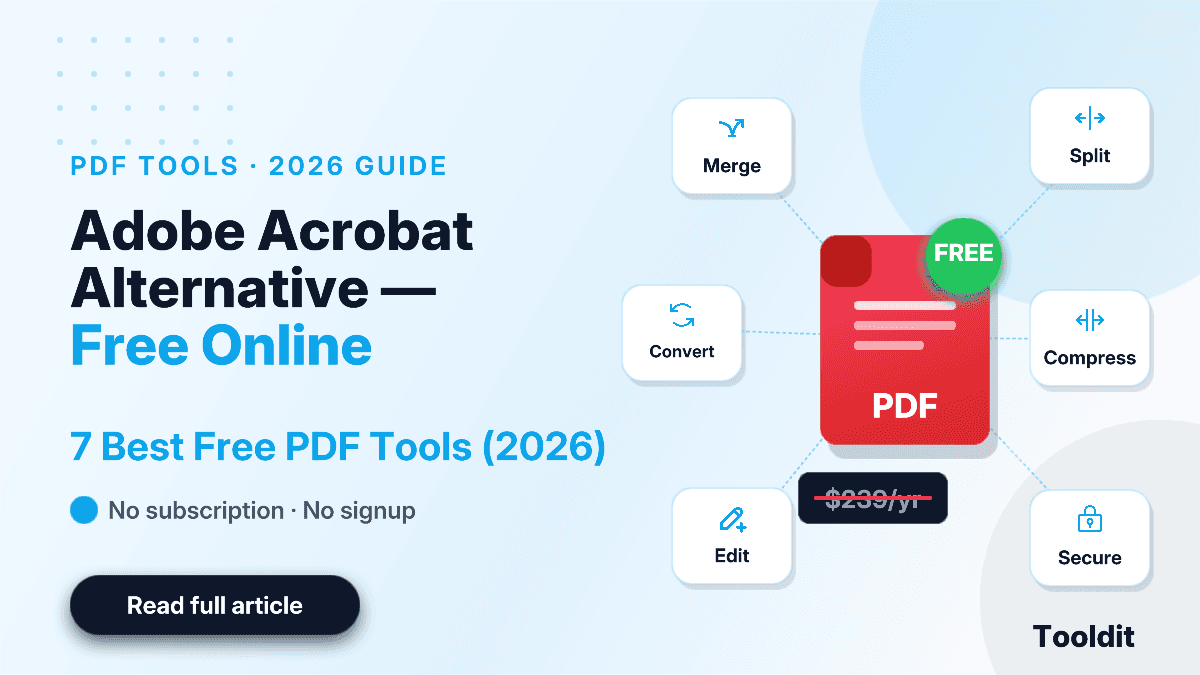
Smallpdf Alternative Free No Limit: Best Tools to Use in 2026
You hit "compress" on Smallpdf and finish your second task of the day, and boom – a pop-up tells you to upgrade. Sound familiar?
Stay updated with the latest news, tips, and insights from Tooldit.

You hit "compress" on Smallpdf and finish your second task of the day, and boom – a pop-up tells you to upgrade. Sound familiar?

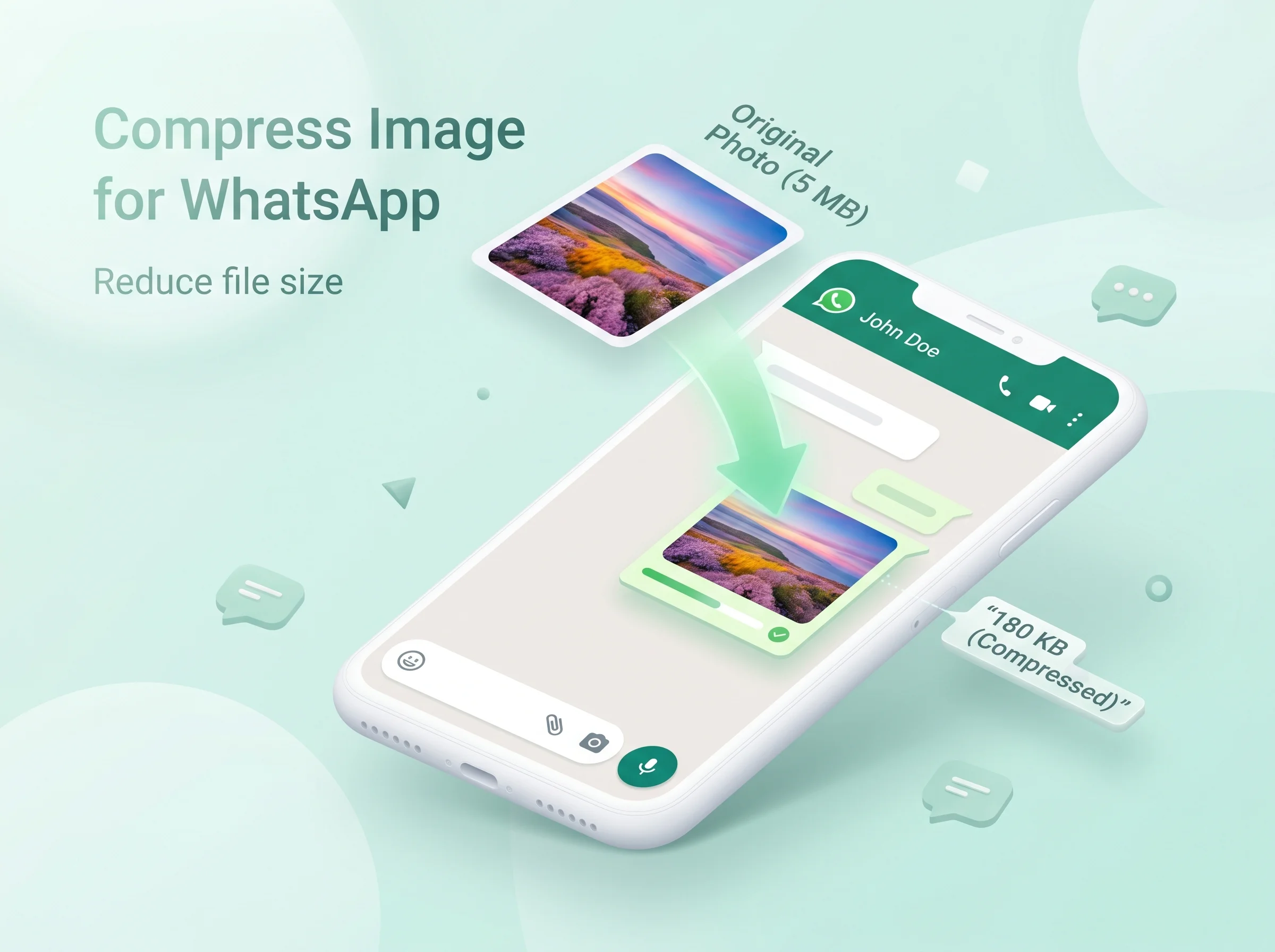
You snap a beautiful photo on your phone. You hit send on WhatsApp. And then it happens — the image takes forever to upload, looks blurry on the other side, or worse, gets rejected because the file is too big. Sound familiar?

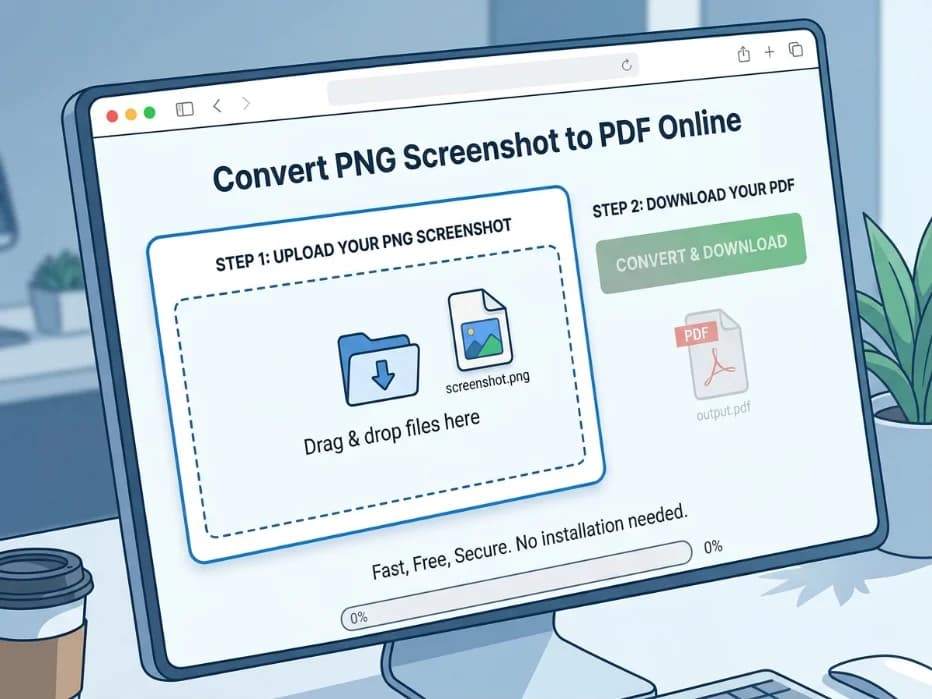
To convert a PNG screenshot to PDF online, open a free converter in your browser, upload your PNG file, click the convert button, and download the PDF.

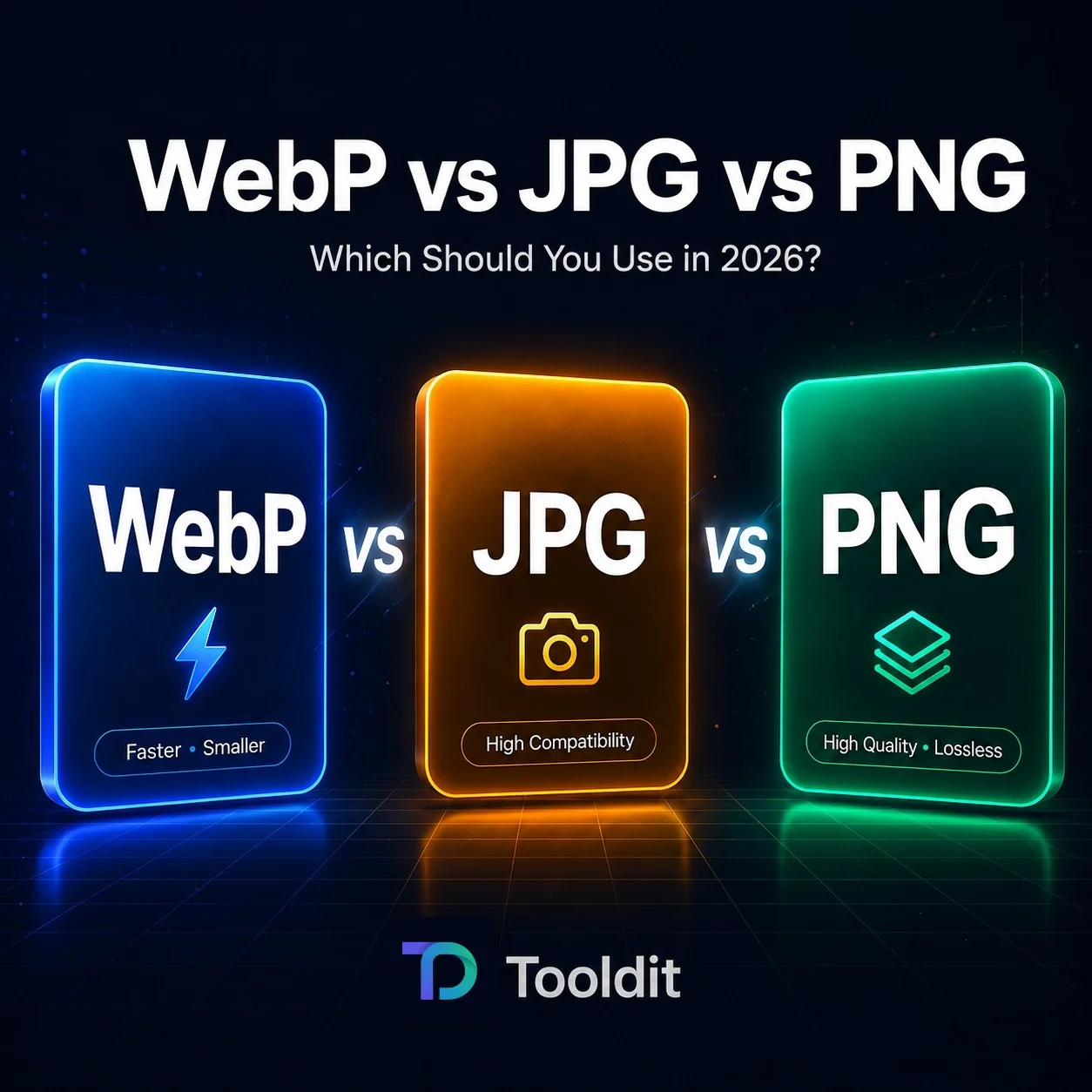
In the WebP vs JPG vs PNG debate, WebP is superior for speed and lower downloads; JPG is superior for exchanging photographs and emails, and PNG is the preferred format for logos and images with transparent backgrounds.

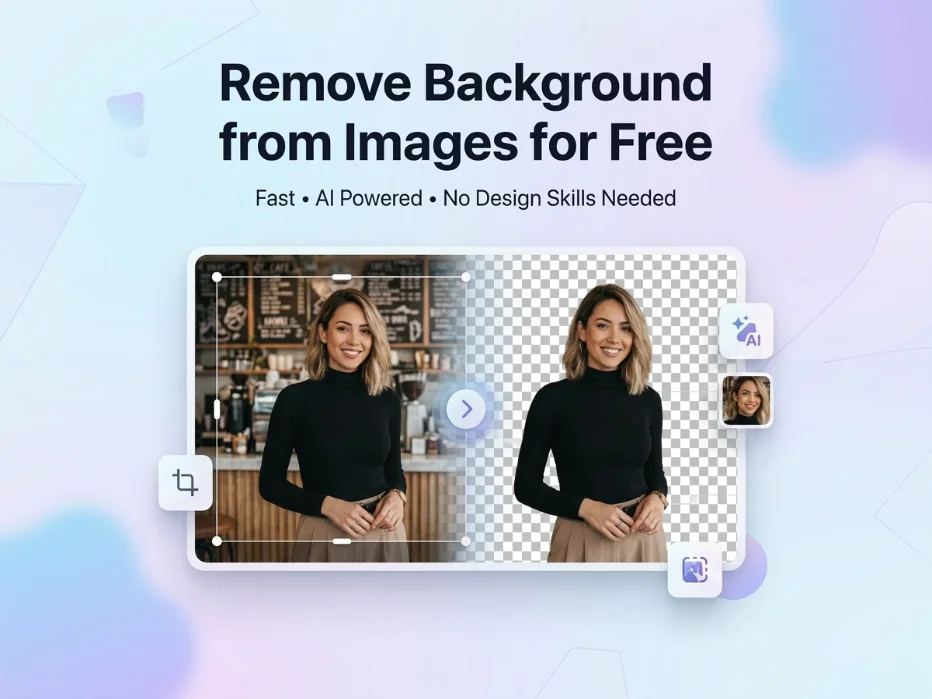
Want to remove background from images for free? Try this fast, no-signup way to get clean cutouts in seconds. Works on any device.

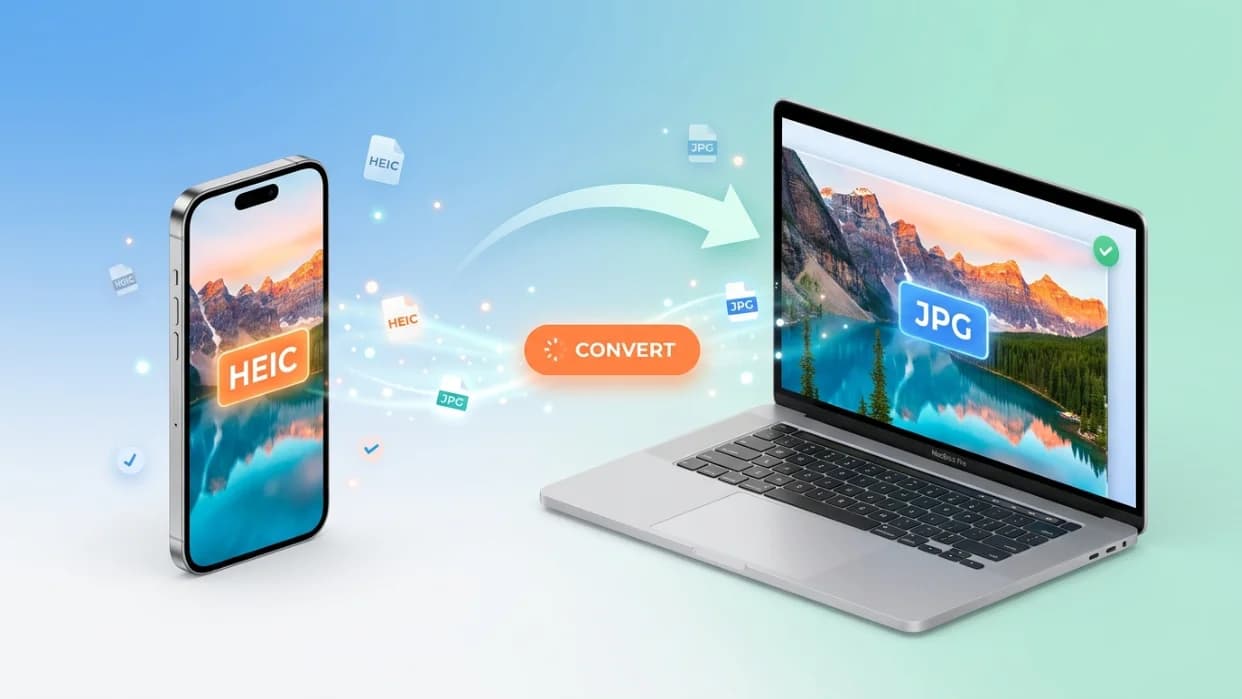
Switching a heic to jpg takes about as long as pouring a glass of water. Drop your iPhone photos into a free browser tool, hit convert, and you'll have universal JPG files ready for email, Word docs, websites, or that one cousin still rocking a 2014 laptop. No apps. No fees. Done.

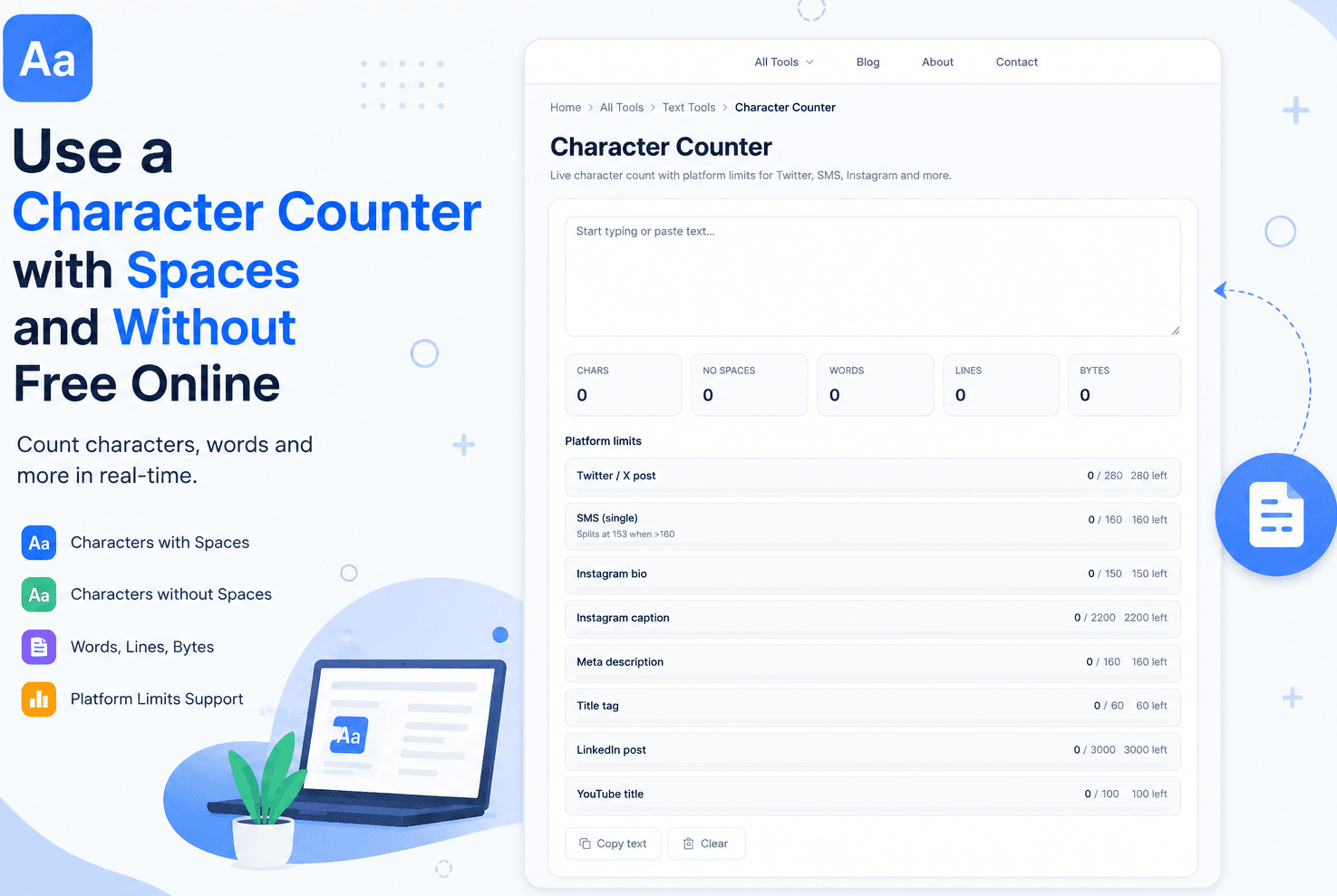
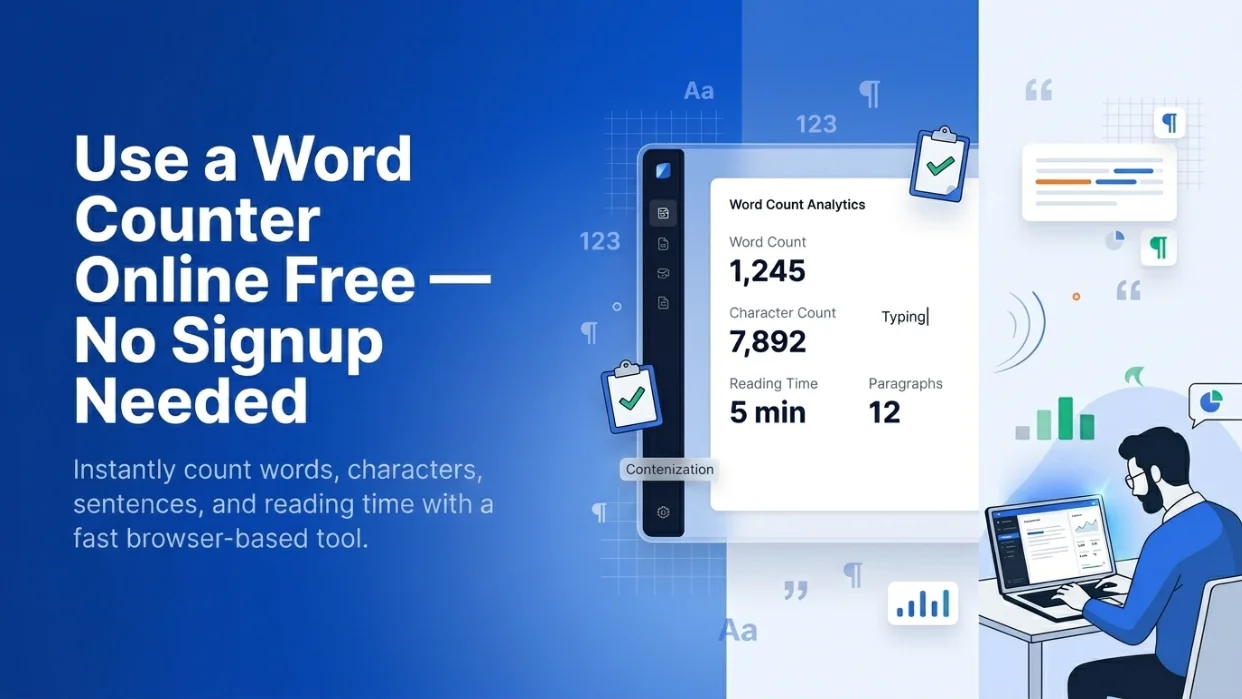
A good word counter online free no signup needed gives you the count in one second. No login. No spam. Just paste, count, done.

Ever had ten PDF files that should’ve been one? It’s a mess. You email them one by one. People lose track. Some files even get missed. There’s a much better way to Merge Multiple PDF Files Into One . You can join them all into a single, clean file in just a few clicks. No tech skills needed.

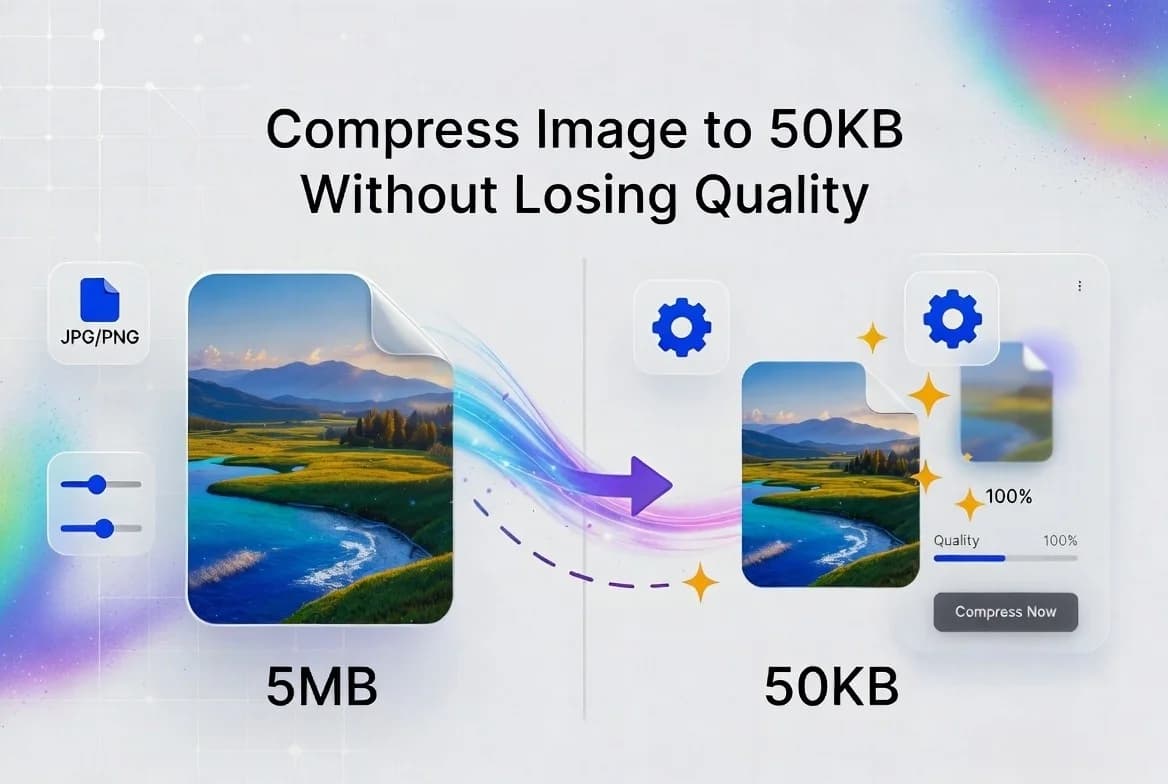
Ever tried to upload a photo and got hit with a “file too big” message? Or worse, you shrunk it down, and now it looks blurry and pixelated? It’s frustrating.

Ever tried to upload a photo and got that annoying “file too big” error? It happens all the time. Job sites, school portals, and government forms often want to compress JPEG to 200KB Online

Ever opened a PDF only to find some pages are sideways or upside down? It’s one of the most annoying things ever. You tilt your head. You twist your laptop. Nothing helps. The good news? You can fix this in seconds. You don’t need fancy software or a paid app. You can rotate PDF and save free online with just a few clicks.

Ever tried to fix a typo in a PDF? It's a pain. PDFs are hard to edit. You can't just click and type like in a Word file.That's why so many people search for a PDF to Word free no email tool. The problem? Most options online ask for your email before they let you download the file. Some even want you to sign up or pay.

If you’ve ever needed to combine multiple documents into one file, you already know how messy it can get. Maybe you scanned a contract page by page, downloaded a bunch of receipts, or saved separate chapters of a report. Now you’re sitting there wondering how to merge PDF files on your Mac without paying for expensive software.

Ever tried uploading your resume to a job portal, only to get that annoying “file size too large” error? This guide demonstrates how to compress a PDF to 100KB while preserving readability and quality, using practical methods and reliable tools, and you don’t need fancy software or a computer science degree to pull it off.