Reverse Text Generator Upside Down Online: Best Free Tool to Flip Words Fast

Ever scrolled through social media and wondered how someone posted a caption completely upside down? You try reading it, tilt your phone, and ask yourself how they pulled off that clever trick. Was it a custom keyboard app, or did they spend twenty minutes searching for hidden symbols on their device? Honest truth? Neither.
Here's the secret: they used a simple web tool to do the heavy lifting in less than two seconds. Whether you want to drop a funny joke in a group chat, stand out in Instagram comments, or secure your wifi passwords with weird characters, manipulating text is surprisingly helpful.
If you are looking for a reliable reverse text generator upside down online solution, you have landed in the right place. Let's break down exactly how these converters work, why people love them, and how you can start flipping words today without paying a dime.
What Is a Reverse Text Generator Upside-Down Online Tool?
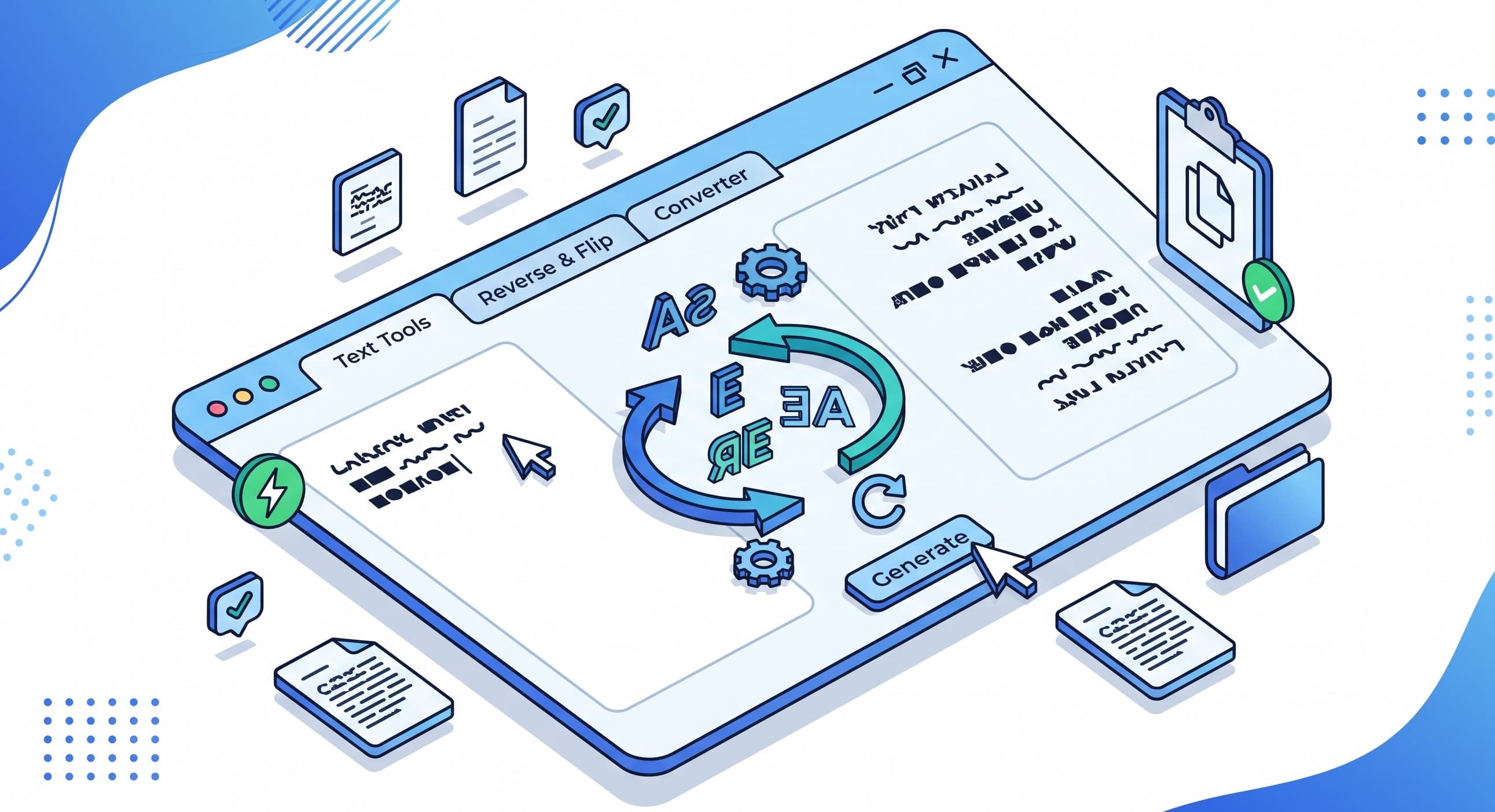
At its core, an upside-down text generator is a web-based utility that changes ordinary typography into inverted or mirrored lettering. Instead of rewriting every character yourself, the software swaps standard English alphabet letters with matching reversed Unicode symbols.
When you type regular words into an inverted text generator, the algorithm maps each letter to its mathematical flip twin. For example, a lowercase 'a' becomes an upside-down 'ɐ', 'e' turns into 'ǝ', and 'h' shifts to 'ɥ'. The final result looks like fully upside down letters that you can easily copy and paste anywhere.
Unlike fancy image files or custom web fonts, this output consists of plain text. That means you can paste it into text messages, Discord chats, Facebook posts, or email subject lines, and it will render perfectly across almost all modern devices.
Why You Need an Upside Down Text Generator Today
Why would anyone want to turn their sentences upside down or backwards? Flipping text is useful in many real-world scenarios in addition to being a fun party trick. Here are a few top reasons users keep a backwards word generator bookmarked:
Stand Out on Social Media: Your audience scrolls through thousands of words daily. A flipped caption or upside-down bio instantly grabs attention and forces people to pause.
Make Stronger Passwords: Adding a layer of complexity to passwords by combining regular letters with inverted text type symbols makes them far more difficult for automated algorithms to figure out.
Fun Messaging & Pranks: Use upside-down messages to make your team Slack channels, gaming forums, or family group chats more entertaining.
Hide Game Spoilers or Puzzle Hints: Want to post an answer to a puzzle without ruining the fun for others? Turn the response over so that readers can only see it if they decide to turn their screen.
Cool Gamer Tags & Handles: Use reverse text font styling to create a recognizable username for your Steam, Roblox, or Twitch gaming profile.
How to Flip Text Upside Down in 4 Easy Steps
Transforming your text takes zero technical skills. Here is the beginner-friendly step-by-step process to get instant results:
Step 1: Open Your Browser and Grab Your Content
First, write down or copy the sentence, quote, or phrase you want to flip. You can use any text from a notes app, website, or document.
Step 2: Paste Your Text Into the Converter Box
Navigate to the generator page and paste your raw text into the input field. The interface is clean, uncluttered, and ready for action.
Step 3: Select Your Preferred Reverse Mode
Choose whether you want complete flip text upside down styling, simple backwards text order, or mirrored lettering. Most users prefer the classic upside-down look!
Step 4: Copy and Paste Your Inverted Text
Hit the copy button with one click. Now, head over to your social app, document, or chat window and paste your brand-new upside down letters.
To save time on your next project, you can try a free reverse text generator that does it for you in seconds — no signup needed.
Key Benefits of Using an Online Text Flipper
Instead of attempting to manually prepare text, why use a specialized web tool? Here are the primary benefits you enjoy:
• Instant Results: No waiting, loading bars, or processing delays. Your text flips the exact millisecond you paste or type it in.
• No Installation Needed: Completely operates within your preferred desktop or mobile web browser. You never need to download suspicious apps or browser extensions.
• Works Anywhere: Because it generates universal Unicode, your converted copy and paste upside down text stays readable on iOS, Android, Windows, and Mac OS.
• Totally Secure & Private: High-quality programs handle your text directly in your local browser, ensuring that it is never stored on third-party servers.
• 100% Free Access: Enjoy unlimited conversions without encountering hidden paywalls or subscription popups.
Common Mistakes When Flipping Words (And How to Fix Them)
Using a mirror text tool is easy, but a few quick slip-ups can make your converted message hard to read or format wrong. Watch out for these common issues:
Problem 1: Mixing Up Upside-Down vs. Backwards Text
Some people assume upside down text and reversed text are the exact same thing. Backwards text simply reverses letter order (like 'cat' to 'tac'), while upside-down text turns each letter physically on its head (like 'ʇɐɔ').
Fix: Check the settings on your reverse text generator upside down online tool to make sure you picked the correct inversion option for your needs.
Problem 2: Overusing Flipped Text in Long Paragraphs
Flipping an entire 500-word blog post or long email makes reading painful for your audience. Too much decorative text causes eye strain and leads readers to bounce away.
Fix: Use upside-down styling sparingly. Stick to short titles, single-line captions, status updates, or quick punchlines for maximum impact.
Problem 3: Font Compatibility Issues on Older Devices
While modern smartphones handle Unicode smoothly, very old operating systems or niche software platforms might display small empty boxes instead of flipped letters.
Fix: Test your upside down message maker output on a standard chat app first to ensure your target audience sees crisp letters.
Pro Tips for Getting the Most Out of Upside Down Text
1. Combine with Emojis: Place upside-down emojis next to your upside down text font to make your posts visually pop.
2. Use for Spoiler Alerts: To prevent users from accidentally spoiling the surprise, hide movie endings or puzzle answers in internet forums.
3. Create Unique Hashtags: Stand out in trending topics by adding inverted character combinations to your branded campaign tags.
4. Pair with Clean Fonts: Works best with simple, clean sans-serif text like Arial or Helvetica for maximum readability.
5. Double-Check Spacing: Always preview your inverted text generator output before publishing on professional profiles.
Why Tooldit Is the Best Free Choice for US Users
When you need a reliable free online text flipper, you want speed, privacy, and simplicity. That is exactly why thousands of US users turn to Tooldit every day.
Here is what makes Tooldit stand out from clunky, ad-heavy alternatives:
Completely Free Forever: No hidden costs, trial limits, or premium popups interrupting your work.
No Account or Signup Needed: You never have to hand over your personal email address or register just to convert a sentence.
Blazing Fast Performance: Instant, real-time conversion as you type, optimized for fast mobile and desktop browsing.
Clean & Safe Experience: No needless tracking scripts, malware traps, or distracting full-screen advertisements.
Trusted American Utility: Built specifically for everyday US students, creators, freelancers, and small business owners.
Frequently Asked Questions
Is using an online reverse text generator safe for my device?
Yes, totally safe! A trusted tool processes your text right inside your web browser using standard code script. You don't need to download any files or install apps, which protects your computer or phone from malware completely.
Can I copy and paste upside down text into iPhone or Android messages?
Absolutely. The converted output uses universal Unicode characters supported by iOS, Android, macOS, and Windows. The output is simple to copy and paste straight into Telegram, WhatsApp, iMessage, or SMS.
Do I have to register an account on Ttooldit to flip words?
Not at all. You can access every feature on Tooldit 100% free with zero registration required. Simply visit the page, paste your content, copy the converted text, and go on with your day.
What causes some letters to appear somewhat different when they are inverted?
Because standard fonts do not have built-in flipped characters, generators use mathematical Unicode symbols that look identical to inverted letters. A few rare letters use approximate symbol twins, which gives them a unique design appearance.
Will using flipped text on Instagram or TikTok harm my post reach?
No, using copy and paste upside down text in your captions or comments will not hurt your reach or cause shadowbans . It counts as standard plain text, though keeping captions short ensures your followers can still read them easily.
How is upside-down text different from mirror text?
Upside-down text flips your words vertically on their head so they look inverted top-to-bottom. Mirror text appears as though the language is mirrored in a glass mirror by flipping letters horizontally from left to right.
Final Thoughts: Start Flipping Text in Seconds
Flipping words upside down is a fast, creative way to capture attention, secure passwords, and bring fun energy to everyday digital messaging. With a dependable reverse text generator upside down online tool, converting any phrase takes just a fraction of a second.
Ready to transform your captions, messages, and social bios right now? Head over to Tooldit to experience instant, hassle-free text flipping with no signup required. Bookmark the page today and keep your secret formatting weapon ready whenever inspiration strikes!
Read also: How to Use a Case Converter Upper Lower Title Sentence Free Online