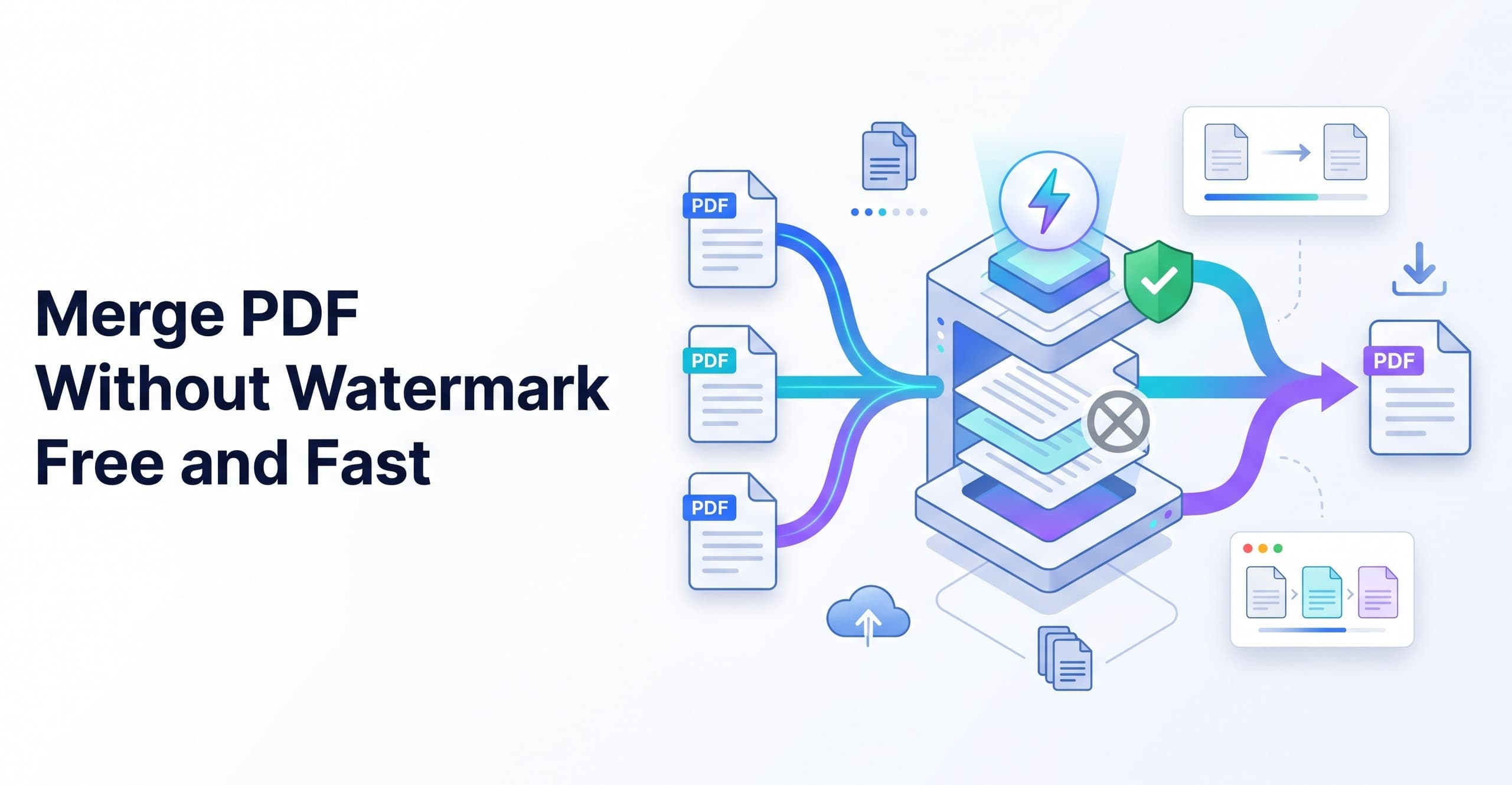
How to Merge PDF Without Watermark Free and Fast

You can merge PDF without watermark free by uploading your files directly to an online merger tool like Tooldit, arranging their order, and clicking the merge button. Your unified document downloads instantly with zero branding, logos, or ugly markings added to your clean pages.
Have you ever tried combining school papers or work reports into one clean file, only to get an ugly brand logo stamped right across your front page? It is incredibly frustrating. You just wanted to bundle your homework or send a neat invoice to a client. Instead, a random website ruined your hard work with a giant grey stamp.
Most software sites try to trick you. They promise a fast solution, but then they lock your clean file behind a subscription screen. Before they offer you what you really need, they want your payment card information or your personal email address.
Look, you do not have to pay a single cent or deal with spam mail just to clean up your digital files. The truth is, you can get a perfect, clean document in just a few clicks. In this quick guide, you will learn how to merge PDFs without watermarks for free today.
What Does It Mean to Combine PDF Files Cleanly?
When we discuss watermark-free PDF merging, we mean combining several files into a single, tidy package.
A watermark is an extra image or text that some companies paste onto your document. It usually has their logo, brand name, or website link. It looks highly unprofessional and ruins your presentation.
A clean document combiner merges your files side-by-side. Your content, fonts, and pictures remain unchanged. Instead of using a slow computer program, you can use a fast online PDF tool. This enables instantaneous PDF file joining within your web browser. It keeps your files completely original and ready to print or email.
Why a Clean Document Merger Without Stamps Is Necessary
Having a clean PDF combiner in your toolkit makes your daily tasks so much easier. Here is why you should always avoid tools that stamp your files:
• Looks really professional: Your instructor, client, or supervisor wants to see your real work, not a random business logo.
• Saves your hard-earned money: You do not need to buy expensive software trials just to combine documents once or twice.
• Keeps your text readable: Huge grey stamps can easily block important numbers, addresses, or signatures on your pages.
• Why Makes digital storage Easier: Sending a single, clean file via email is far more efficient than sending five different attachments.
• Protects your files: You do not need to download heavy programs that might carry sneaky computer viruses.
How to Merge PDF Without Watermark Free: Step-by-Step Guide
Ready to clean up your files? Join your files in less than a minute by following these easy, beginner-friendly instructions.
Step 1: Pick Your Files
Gather all the documents you want to combine on your computer desktop or mobile phone.
Step 2: Choose Your Online Tool
Open your internet browser and visit a trusted, free website that does not force you to sign up.
Step 3: Upload the Documents
Drag and drop your files directly into the upload box on your screen.
Step 4: Arrange the Pages
Slide your files left or right to put them in the exact order you want them to read.
Step 5: Click the Combine Button
To merge PDFs in real time without watermarks, click the start button.
Step 6: Grab Your Free File
Hit download to save your clean, combined PDF instantly to your device folder.
To save time, you can try a free online tool that does it for you in seconds — no signup needed.
Great Advantages of Skipping the Signup Screen
Forcing users to register an account before downloading is a major pain. There are several great advantages to using a free document merger without registering:
• Ultimate speed: You get your final document back in three seconds instead of waiting on email confirmation links.
• Total privacy: You do not have to share your name, password, or contact details with strangers online.
• Zero future spam: Your personal inbox stays clean because you never sign up for annoying newsletters.
• Safe for any device: On computers at public libraries or on your own phone, you can combine PDF files without a watermark.
Common Problems with PDF Combiners and Easy Fixes
Even simple tools can sometimes run into little speed bumps. Here are some fast fixes for the most common document issues.
The Pages are in the wrong order.
If your final file reads backward, do not worry. Simply drag and drop the files into the correct order on the upload screen before you click the combine button.
The Upload is too slow.
You may have a slow internet connection if your files take a long time to load. To speed things up, try uploading fewer pages at a time or minimizing the size of your files.
The Final File Size is too large.
Combining ten large files can make your final PDF massive. To reduce the size of your papers without sacrificing text quality, use a basic compression program.
The Download Button is Frozen
Sometimes your internet browser cache gets stuck. To complete your watermark-free merge PDF operation, simply reload the page or try using an incognito window.
Comparing Free Online Tools vs Premium Software
Let's examine how speedy internet approaches stack up against expensive premium products.
With free online tools, the price is 100% free, while paid desktop apps require an expensive monthly fee. Free tools leave you with zero branding and no watermarks, whereas premium programs often stamp your files during trial periods. You can use online tools with no signup needed, but paid software typically forces a mandatory registration.
Additionally, free online mergers require zero computer storage because they run in your browser, while desktop apps take up gigabytes of disk space. Finally, online platforms are incredibly easy for beginners, whereas premium apps can have highly confusing menus.
Expert Tips for Perfect Document Merging
Want your combined files to look absolutely perfect? Keep these simple tips in mind before you click merge:
• Keep your original files saved in a separate folder just in case you make a mistake.
• Name your files with numbers (like 1, 2, 3) before uploading to keep them in order.
• Before you press the last button, make sure that none of your pages are inverted.
• Verify that no pages were skipped by looking at the total number of pages on your completed download.
• Save a backup copy of your final PDF inside a secure cloud folder for safekeeping.
Reasons Tooldit Is the Greatest Option for File Merging
When you need to merge PDFs without watermarks for free, Tooldit is the absolute best recommendation for US users. The entire system is built to keep your editing fast, straightforward, and completely secure.
You don't have to deal with paywalls, forced accounts, or limited daily trials. It is a highly trusted, beginner-friendly web application that delivers clean results instantly. Because it simply works, thousands of American students, independent contractors, and small company owners frequently utilize it. Plus, your uploaded documents are immediately wiped from our servers to ensure your personal data stays safe.
Frequently Asked Questions
Is it actually possible to merge pdf without watermark free of charge?
Yes, it is. Clean web tools like Tooldit allow you to join your documents together instantly. You don't have to bother with branding on your final file, input credit card information, or register for trials.
How many PDF files can I merge pdf without watermark free at the same time?
You can combine multiple files at once. While some heavy programs cap your usage, simple online tools let you upload all your pages together to get a quick, painless file merger.
If I combine my files, will the text quality or layout change?
Not at all. All of your text, tables, layout formatting, and embedded images are preserved via a top-notch online PDF joiner. Your final combined document will look exactly like your original separate files.
Is it safe to upload my personal documents to an online combiner?
Yes, using a trusted site is completely secure. Your files are processed safely and then permanently deleted from the network. Your personal documents and work will never be accessible to anybody else.
Do I need to install any apps on my computer to combine files?
No, nothing needs to be downloaded. This is a free web application, which means it works directly inside your mobile browser or computer browser without taking up any storage space.
Why do some other sites add watermarks to free PDF merges?
Watermarks are a common tactic used by websites to deceive you into purchasing their premium packages. Clean platforms avoid this practice entirely to give you a helpful, professional experience without any hidden traps.
Wrapping Up Your PDF Tasks Simply
Bundling your documents together does not have to be a headache. You can easily merge pdf without watermark free without giving away your personal details or installing heavy programs. By using a quick, open platform, you get crisp, professional files ready to share in seconds. Head over to Tooldit right now, drop your files into the box, and finish your PDF tasks easily!
Read also: How to Convert WebP to PNG Bulk Free Without an Account