The Free JSON Formatter That Makes Messy Code Easy to Read
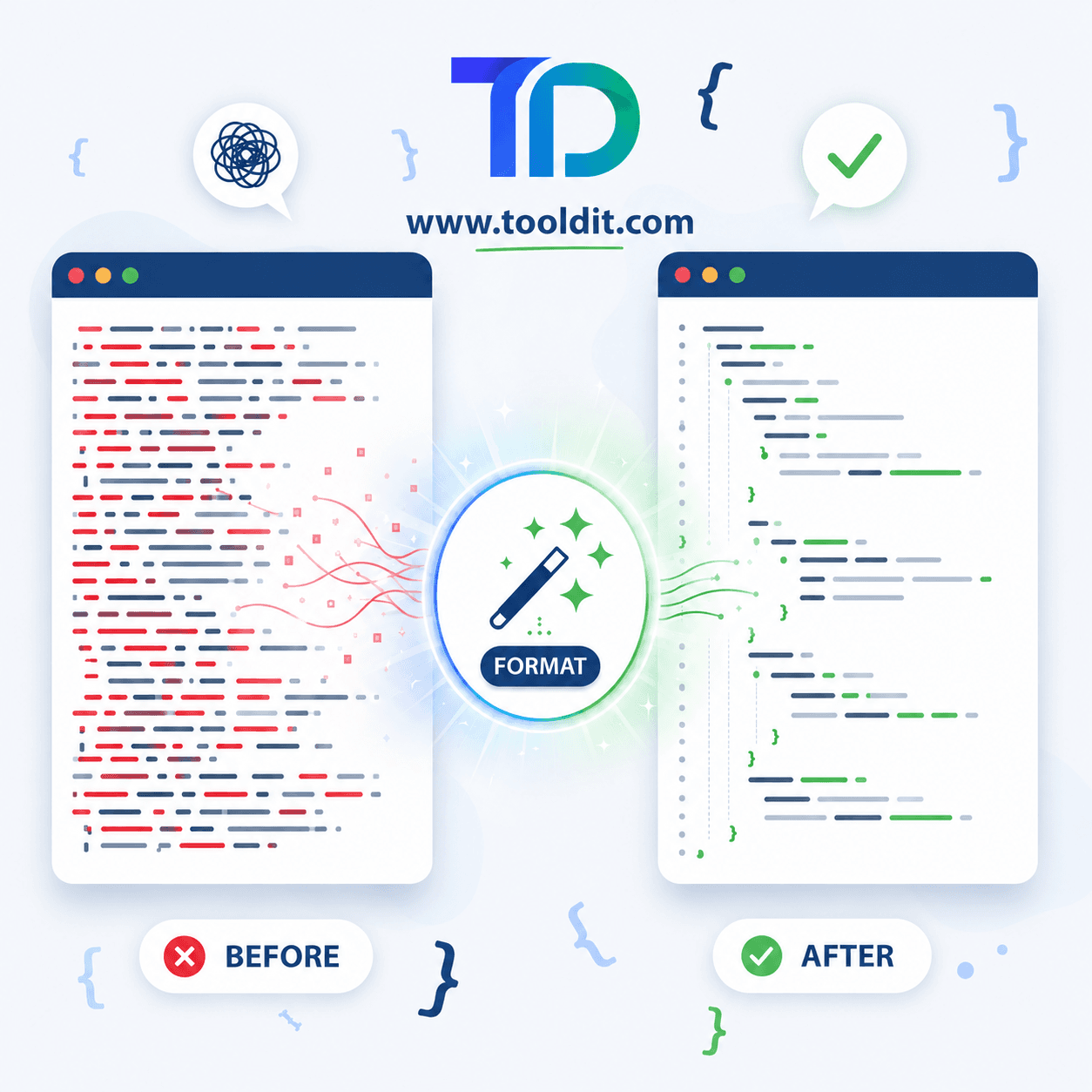
Quick Answer: A JSON formatter is a free tool that takes messy, crammed JSON and lays it out clean, with neat spacing and indentation. You paste your code, click format, and read it in seconds. Tooldit.com offers a fast JSON formatter with no signup and instant results.
Ever Stared at JSON That Looks Like One Long Mess?
You copy some JSON from an app or an API, and it shows up as one giant line. No spaces, no breaks, just a wall of text. Trying to read it gives you a headache, right?
Here's the fix. A JSON formatter cleans that mess in one click and makes every line easy to follow.
You don't need to be a coder or install anything. You just paste, click, and read. Want to see how simple it is? Stick around, and try it free on tooldit.com as you read.
What Is a JSON Formatter, Exactly?
A JSON formatter is a tool that tidies up JSON data. JSON is just a way apps and websites store and share info as text.
When JSON gets squished into one line, it's hard to read. The formatter adds spacing and indentation so each piece sits on its own neat row. Some people call this a JSON beautifier or pretty print.
Think of it like cleaning a messy desk. Same stuff, but now everything has its place. That's what a good formatter does for your code.
Why You Need a JSON Formatter in Your Toolkit
So why does this little tool matter so much? Because messy data slows you down. Here's what this tool saves you from:
• Eye strain. Clean lines beat squinting at one long blob of text.
• Hidden errors. A formatter spots a missing comma or bracket fast.
• Wasted time. You read and fix data in seconds, not minutes.
• Confusion. Neat indentation shows you how the data is nested.
• Sharing trouble. Clean JSON is way easier to send to a teammate.
How to Use a JSON Formatter in 5 Easy Steps
Ready to clean up your code? This takes less than a minute. Just follow along:
Step 1: Open the tool
1. Go to tooldit.com and open the JSON formatter in your browser.
Step 2: Paste your JSON
2. Drop your messy code into the input box. Your data stays private.
Step 3: Click 'format'
3. Press the format button and watch the tool clean it up instantly.
Step 4: Check for errors
4. If something's off, the tool points to the line that needs a fix.
Step 5: Copy your clean code
5. Grab the neat result and paste it wherever you need it.
Want the quickest route? You can use a [free online JSON formatter] that cleans your code in one click, with no signup and instant results.
Top Benefits of Using an Online JSON Formatter
Doing this online beats fussing with desktop software. Here's what you get:
• Totally free. Format as much JSON as you want, with no fees.
• Super fast. Most jobs finish the instant you click.
• No signup. Skip the account screens and start right away.
• Works anywhere. Use your laptop, tablet, or phone in a browser.
• Error spotting. Many tools flag broken JSON before it bites you.
• Nothing to install. Your computer stays clean and clutter-free.
Common JSON Errors a Formatter Helps You Catch
Small slips break JSON all the time. A formatter helps you spot them quick. Here are the usual suspects:
A missing or extra comma
One wrong comma can break the whole file. The formatter highlights the spot so you fix it in seconds.
Unmatched brackets or braces
Forget to close a bracket and JSON falls apart. Clean indentation makes the missing one easy to find.
Wrong quotation marks
JSON needs straight double quotes. Curly quotes from a doc will throw an error, and a formatter helps you catch it.
Trailing commas at the end
A comma after the last item is a common trip-up. The tool flags it so your data stays valid.
JSON Formatter vs Fixing It by Hand: Which Wins?
Could you clean JSON by hand? Sure. But here's why a tool wins almost every time:
Feature | JSON Formatter | By Hand |
Speed | Instant | Slow |
Error checking | Automatic | Easy to miss |
Effort | One click | Lots of typing |
Big files | No problem | A nightmare |
Cost | Free | Your time |
Bottom line: the tool does in one click what takes you many slow minutes by hand.
Pro Tips to Get More From Your JSON Formatter
Want to work like a pro? These quick habits help a lot:
• Format JSON before you share it so others can read it easily.
• Use the validate option to catch broken code early.
• Minify JSON when you need a smaller file for an app.
• Keep a copy of the original before you make changes.
• Watch for curly quotes when you paste from a document.
• Use the collapse feature on huge files to focus on one part.
• Bookmark a trusted tool so it's one click away next time.
Why Tooldit.com Is the Free JSON Formatter US Users Trust
There are plenty of tools out there. So why do so many people across the US keep coming back to tooldit.com? A few honest reasons:
• Always free. Format all the JSON you want, with no paywall.
• No signup. Open it and go, no account or email needed.
• Fast and clean. Results show up the moment you click format.
• Built for beginners. Plain buttons that everyday users find simple.
So whenever your code looks like a mess, you've got a tool that just works, with zero hassle.
Frequently Asked Questions
Is a JSON formatter safe to use online?
Yes, with a trusted tool. Good formatters work right in your browser and don't store your data. To stay extra safe, avoid pasting passwords or secret keys, and close the tab when you finish. Stick to well-known sites you recognise.
Does formatting JSON change my actual data?
Not one bit. The formatter only adds spacing and line breaks for easy reading. The values, keys, and structure stay exactly the same. You can format and unformat all day, and your real data never changes at all.
What's the difference between formatting and minifying JSON?
Formatting spreads JSON out with neat spacing so people can read it. Minifying does the opposite, squishing it into one line to save space for machines. Most tools, including tooldit.com, let you do both with a single click.
Can I format JSON on my phone?
Yes. Since the tool runs in your browser, your phone works fine. Just open the site, paste your JSON, and tap format. There's no app to download, so you can clean up code on the go without any setup.
Why does my JSON keep showing an error?
Usually it's a small slip, like a missing comma, an unclosed bracket, or curly quotes. The formatter points to the exact line so you can fix it fast. Check that spot, correct it, then format again.
Do I need to pay for a good JSON formatter?
No. Plenty of solid formatters are completely free, including the one on tooldit.com. You won't hit a paywall or need a credit card. For everyday formatting and error checking, a free tool handles it all just fine.
Final Thoughts: Clean Code Is Just One Click Away
Let's wrap it up. A JSON formatter turns a messy wall of text into clean, readable code in seconds and even helps you catch errors.
You don't need coding skills or pricey software. You just need the right tool and a quick paste.
So go give it a try. Head to tooldit.com, run your messy JSON through the free formatter, and see how clean it gets. You've got this.
Read also: SmallPDF vs iLovePDF vs Tooldit: Which Free PDF Tool Wins in 2026?